 Sentinel MCX
Built for the moment someone presses the button.
Sentinel MCX is one platform for the people who talk, the people who dispatch them, the radios they carry and the network underneath. Each product works alone. Together they share one map, one set of users and one record of what happened.
Five products, one system
Start with the one you need. The others plug in when you are ready, with nothing to re-enter.
MCX Mobile
One app on every device a crew carries
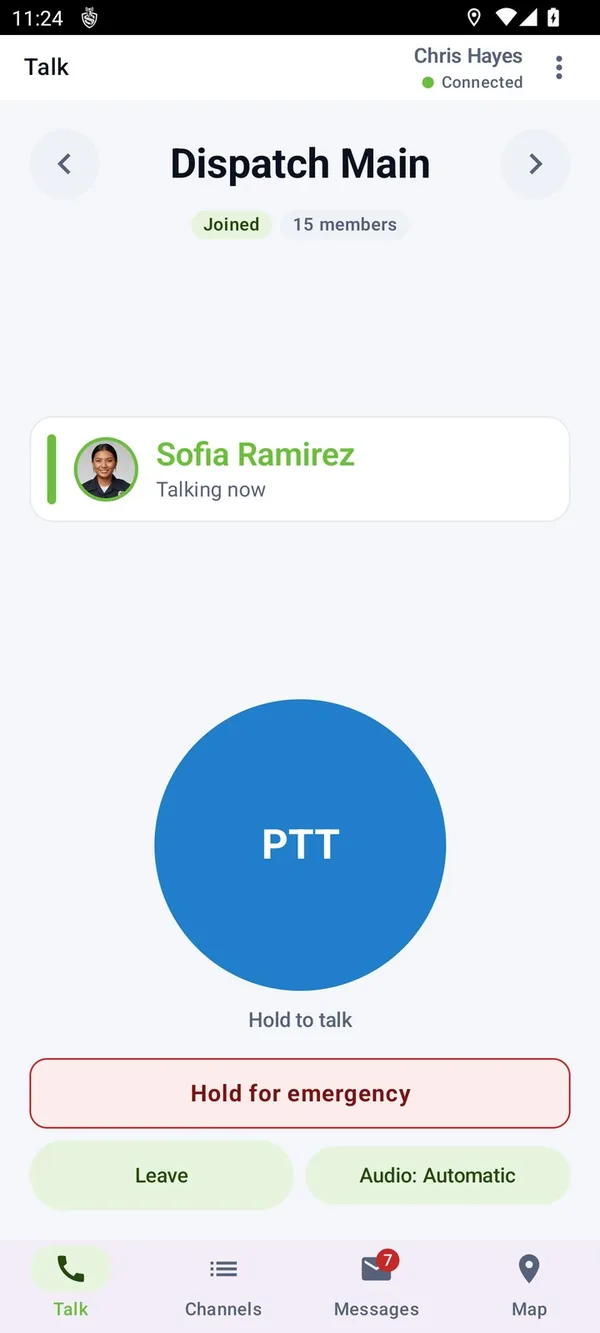
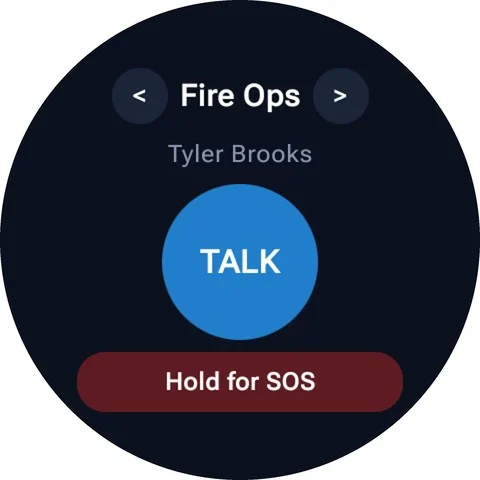
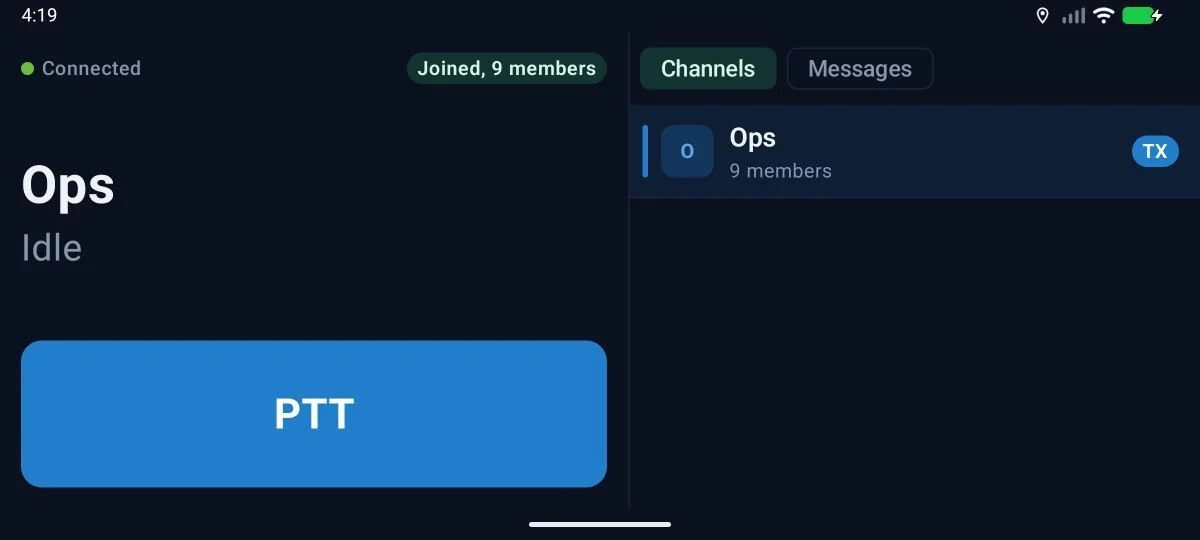
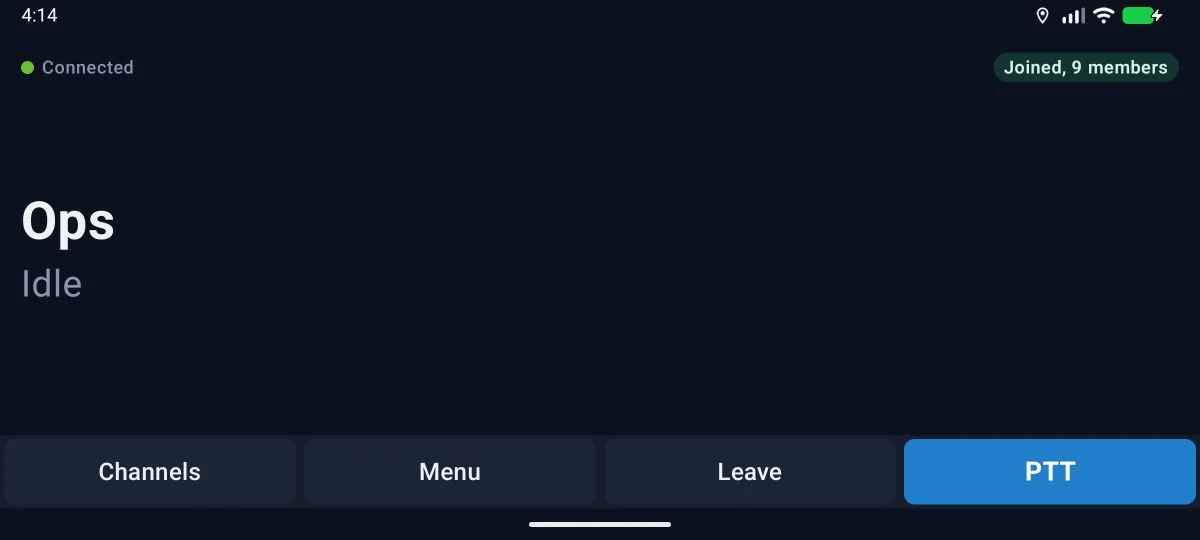
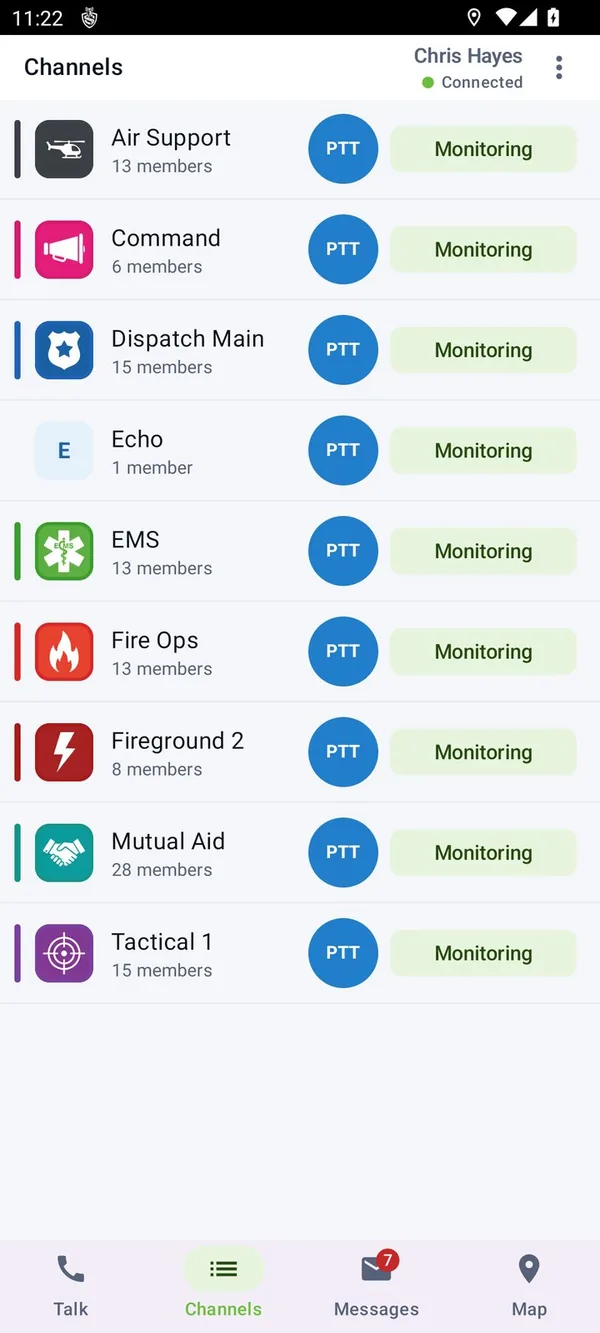
A rugged radio with a two-inch screen, a vehicle radio, a phone and a watch all run the same app and join the same channels. The layout changes to fit the device. The button does the same thing on all of them.
- Talk
- Group and private calls, scan lists, a priority channel, full duplex calls and video.
- Emergencies
- An emergency key held for two seconds, man down, no motion, duress and lone worker check-ins.
- Language
- Each user picks a language. Others hear them translated into theirs.
MCX Dispatch
The whole operation in a browser tab
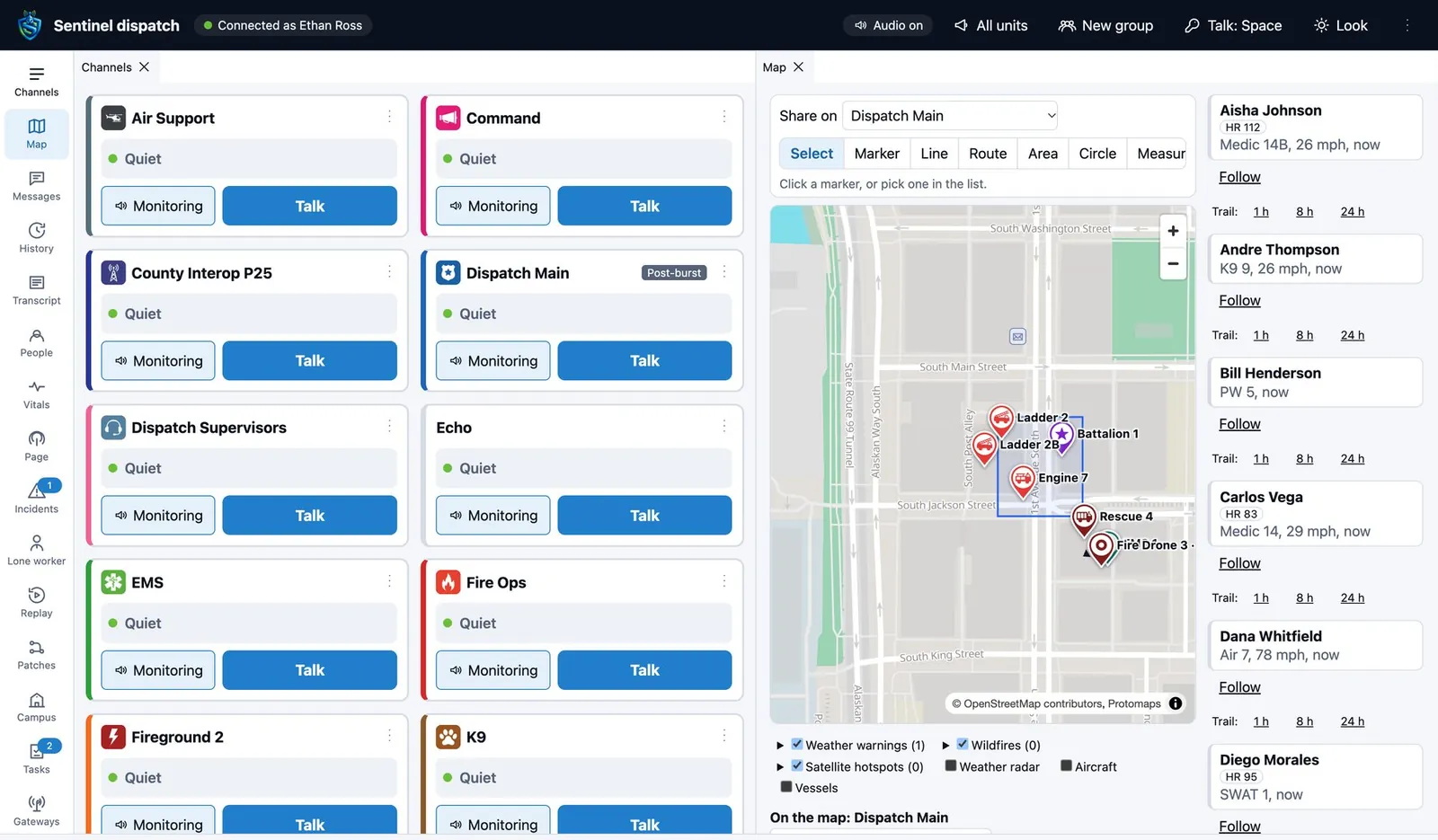
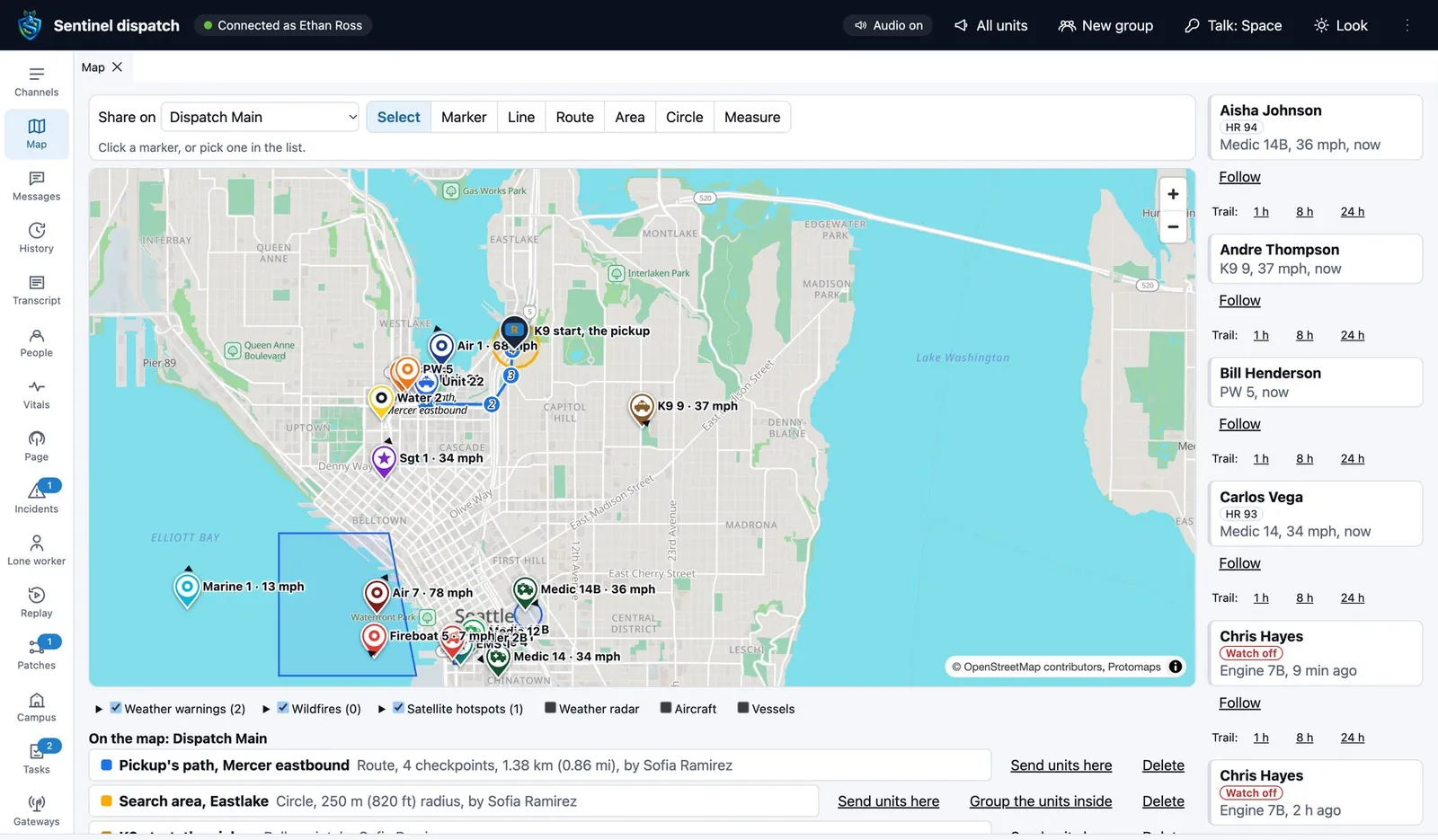
The console is a web app on Chrome or Edge with nothing to install. Panels for channels, the map, messages, incidents and history dock, tab and tear off to other screens, and a layout can be saved for each position.
- Hear and talk
- Monitor many channels at once, patch groups together, page stations with tones and send typed messages as speech.
- See
- Units as pins with heading and speed, with weather, wildfire, aircraft and ships on the same map.
- Afterwards
- Replay every channel, transmission and unit position of a time window, with transcripts.
MCX Guardian
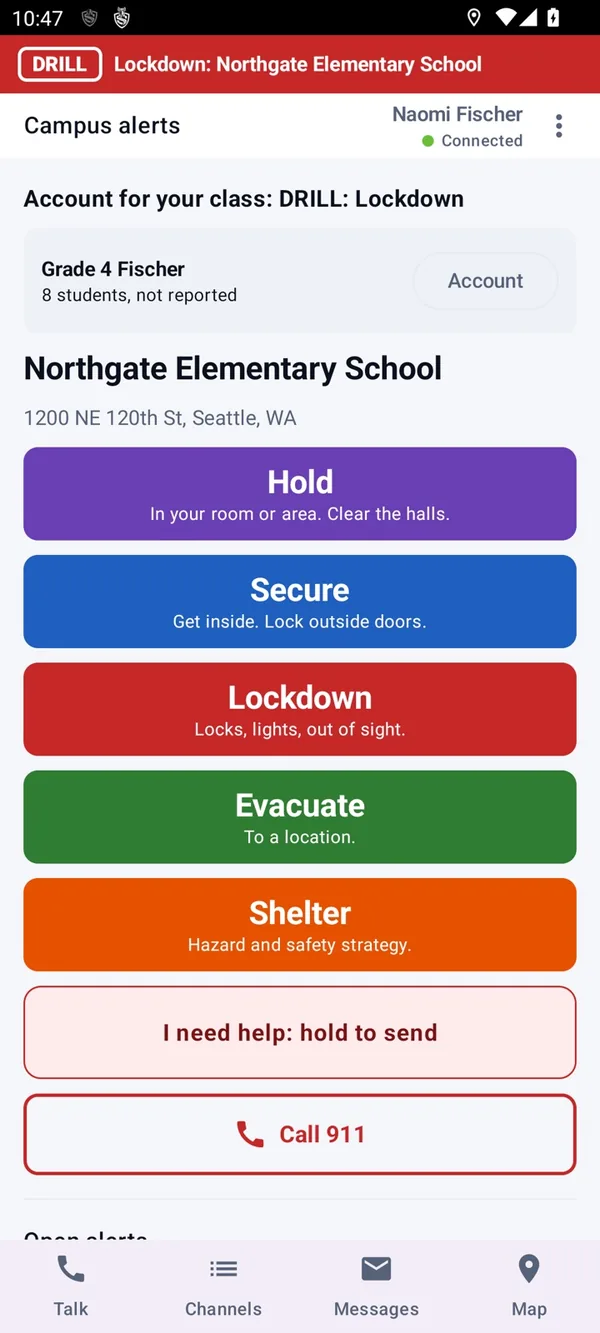
A lockdown raised from a teacher's phone
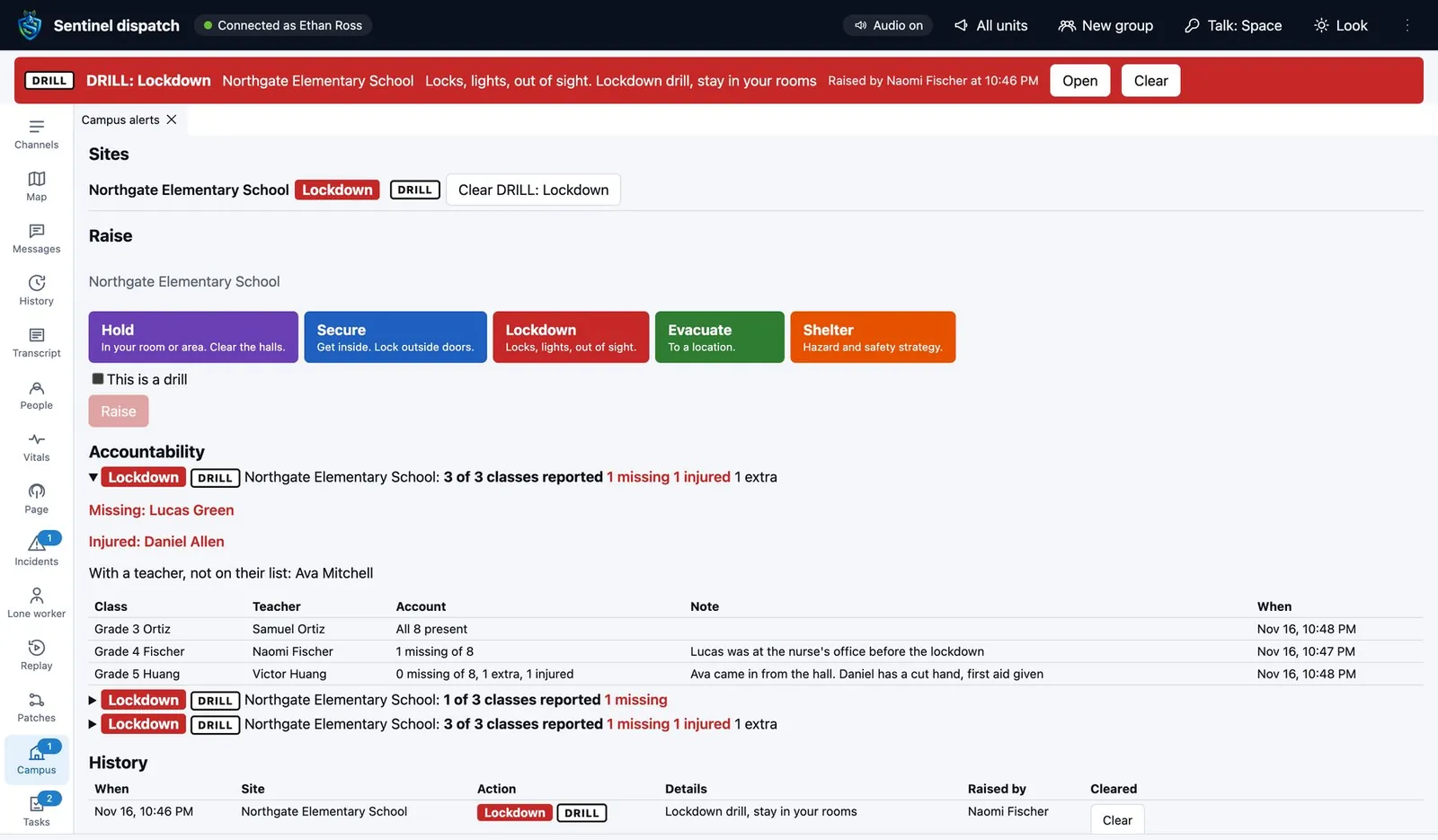
Staff raise Hold, Secure, Lockdown, Evacuate or Shelter for their own building. Everyone on site and dispatch get it at once, teachers account for every student, and the 911 center for that area sees it on a console that costs the center nothing.
- Drill mode
- Practice every action, marked as a drill on every screen and in every report.
- Roll call
- Present, missing, extra and injured for each class, in one account.
- The building reacts
- Strobes, the public address system and staff computers carry the alert too.
MCX Manage
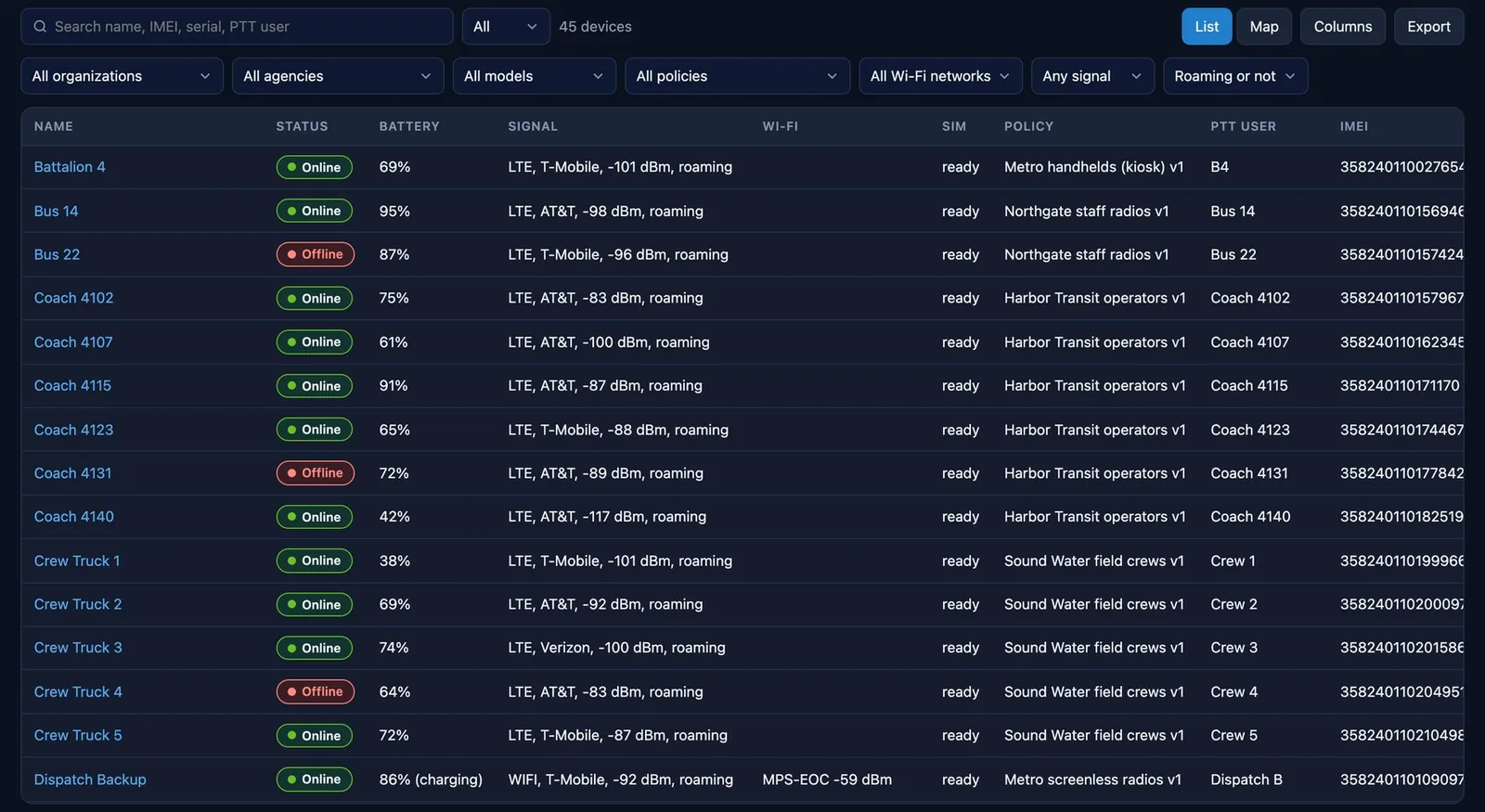
Every radio accounted for, without touching one
A device manager built for push-to-talk fleets. It enrolls a radio from a QR code or a USB cable, signs it in to its talk account, locks it to the talk app and keeps it on the strongest network.
MCX Monitor In development
Green, minor alarm or major alarm
A small collector at each site polls the radio equipment and routers and pushes what it finds to the core over a link it opens itself. A dead backhaul shows as one grey site, not forty alarms.
Where the products meet
These are the hand-offs that take two vendors and a phone call anywhere else.
Manage and Mobile
A radio enrolls ready to talk
Manage pushes the talk server and login to the app, so nobody types a password on a radio.
Manage and Mobile
Wi-Fi fades, the call does not
The app moves to cellular when Wi-Fi turns weak, between transmissions only, on thresholds set in Manage.
Mobile and Dispatch
An emergency finds its own help
Dispatch sees the nearest units under each emergency and asks them to respond with one click.
Mobile and Dispatch
Is that radio even on
A radio check and a device's battery and signal come back to the console without a word on the air.
Guardian and Dispatch
The school and the 911 center see the same alert
A campus alert and its roll call reach the center that serves that school, and only that center.
Manage and updates
Nothing installs during a call
App and firmware updates wait for push-to-talk audio to end. Management never takes a radio off the air.
See it on radios you can hold
A 30 minute demo with live push-to-talk, the dispatch console and a radio enrolled in front of you.