 Sentinel MCX
MCX Dispatch
Every channel and every unit, in a browser tab.
MCX Dispatch is the console. It runs in a browser and installs as an app, on a dispatch floor with a footswitch and three screens or on a laptop in a command post.
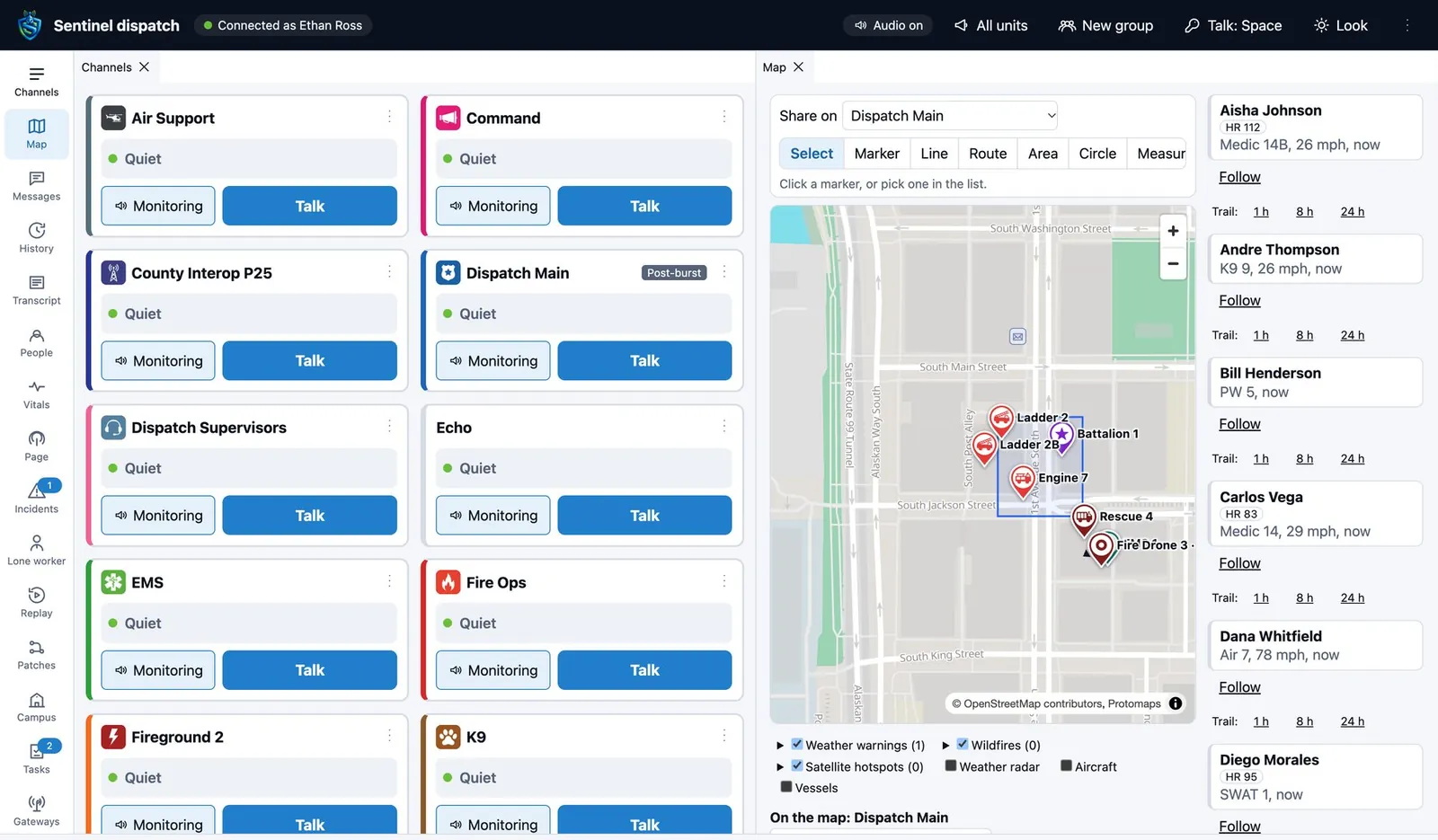
A desk each dispatcher arranges
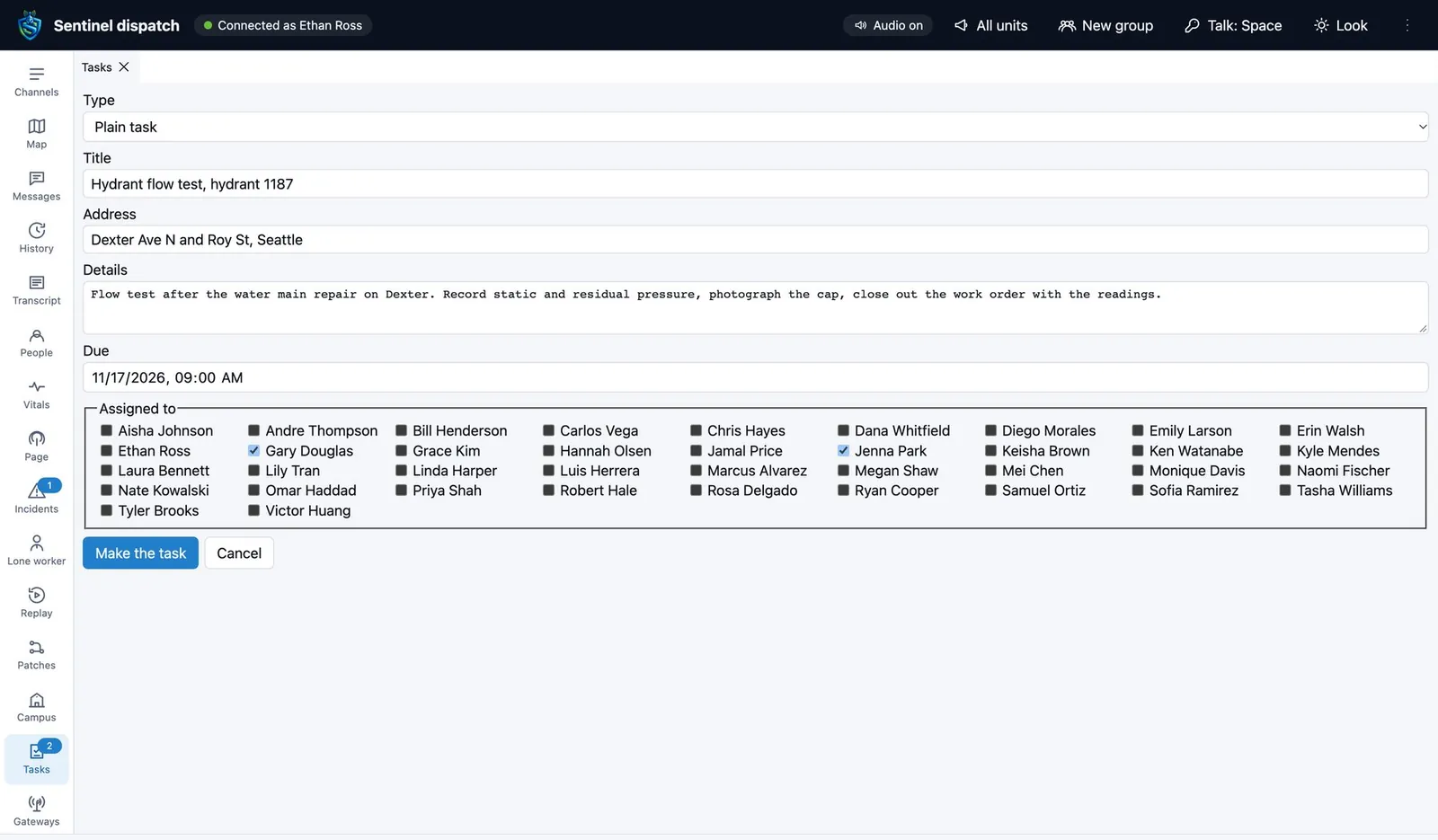
Channels, map, messages, history, transcript, people, vitals, paging, incidents, lone worker, replay, patches, tasks and gateways are all panels. Dock them, stack them or move one to another screen.
- Layouts
- Saved for each dispatcher, published to a whole center and locked for a position.
- Channel tiles
- Monitor every channel at once and talk on the one you press. The active tile shows who is talking.
- Operator tools
- Keyboard shortcuts, action stacks that run a sequence you define, a tone for each channel, and a choice of microphone and speaker.
- Desk hardware
- Serial desk microphones and foot pedals plug straight in.
- Look
- Light and dark themes and large text.
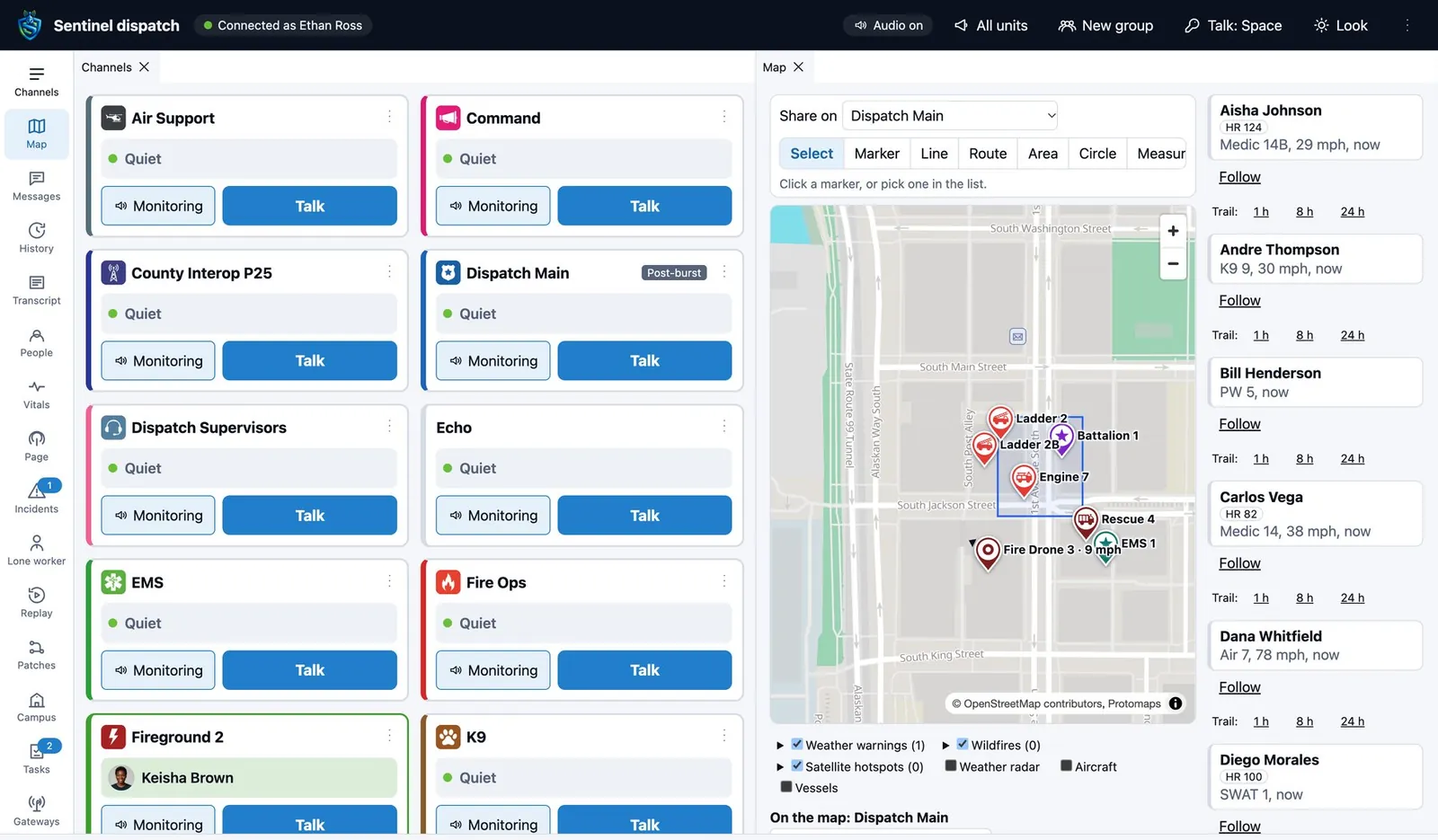
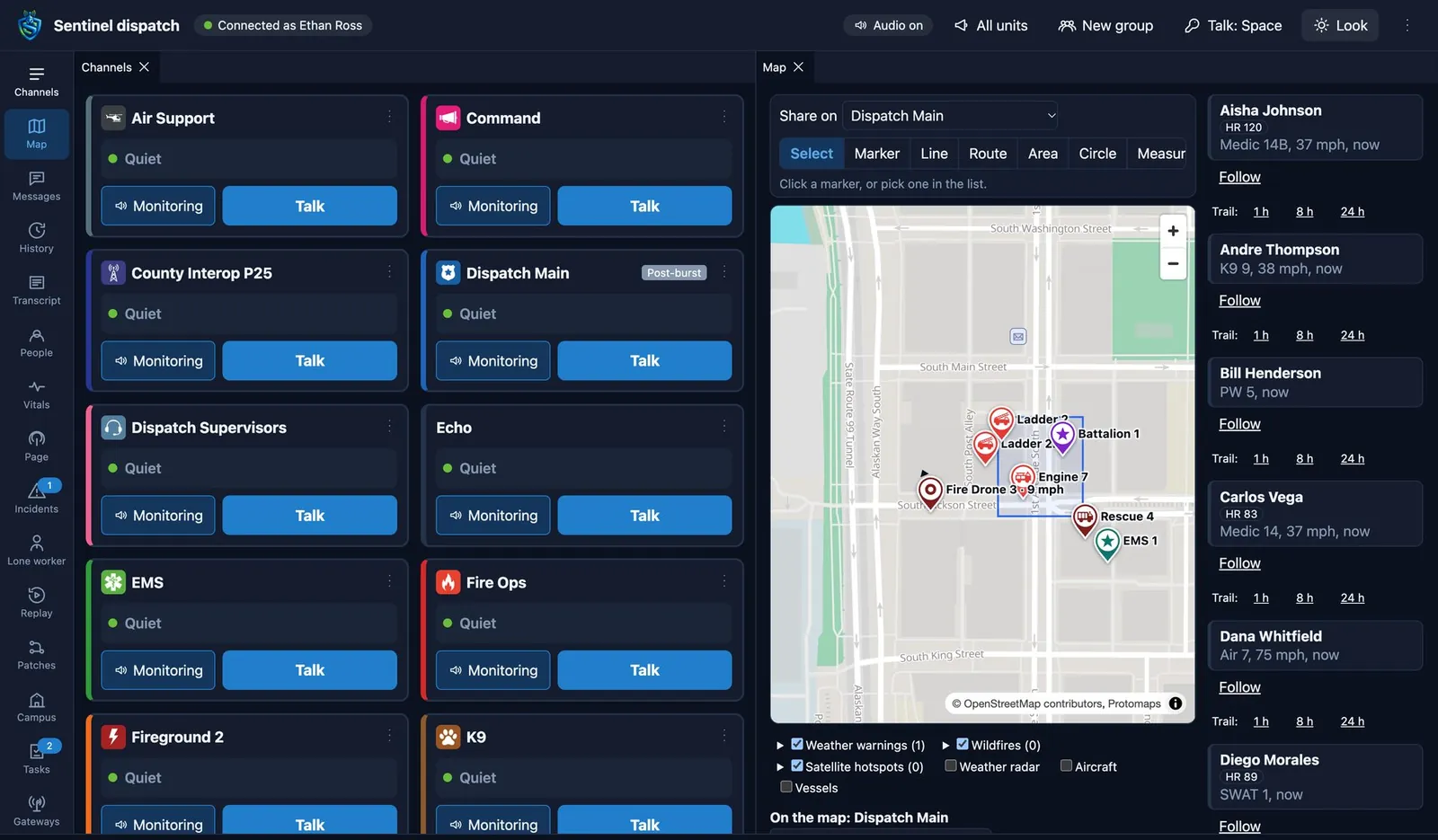
One map for units, hazards, the water and the sky
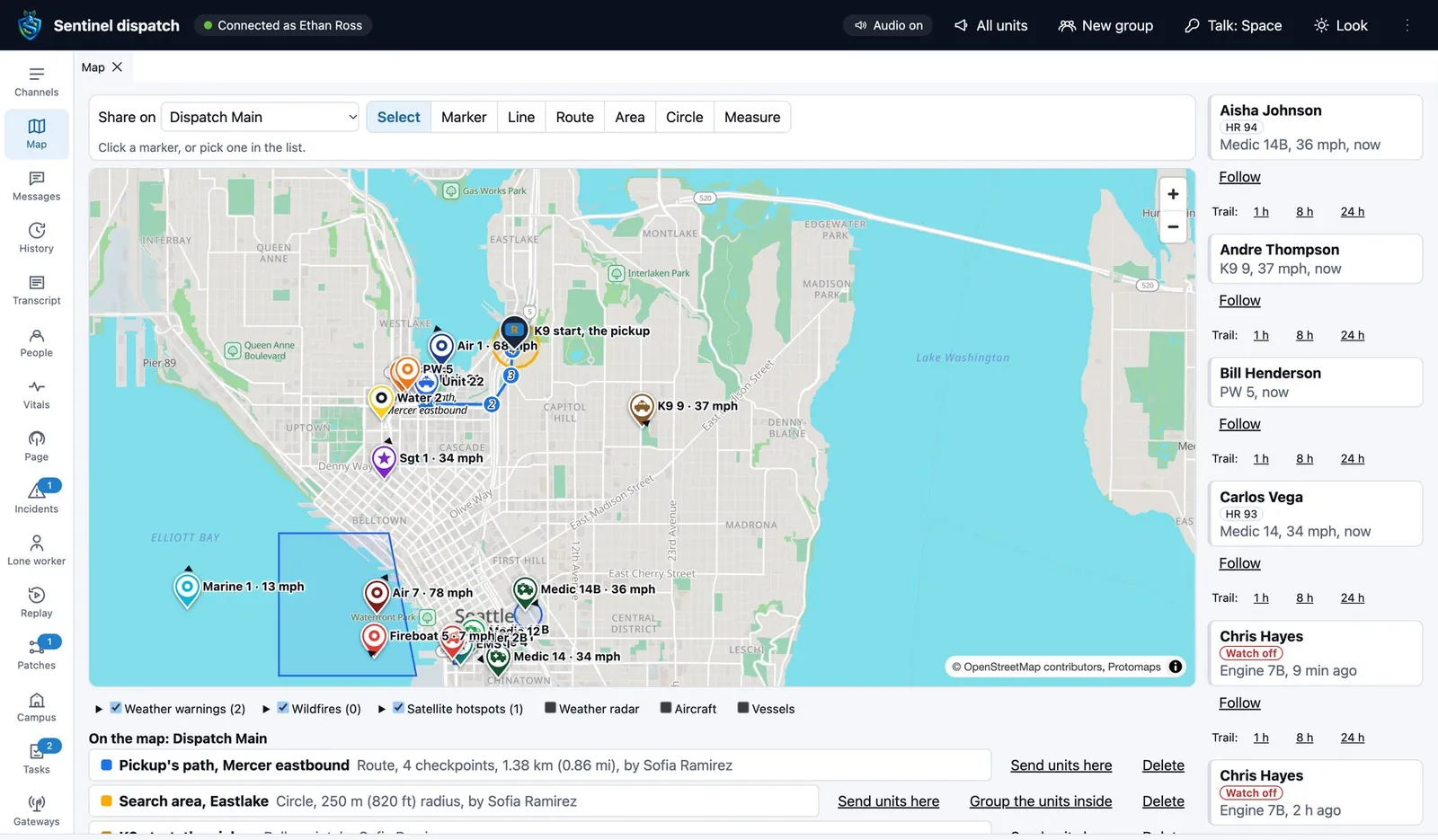
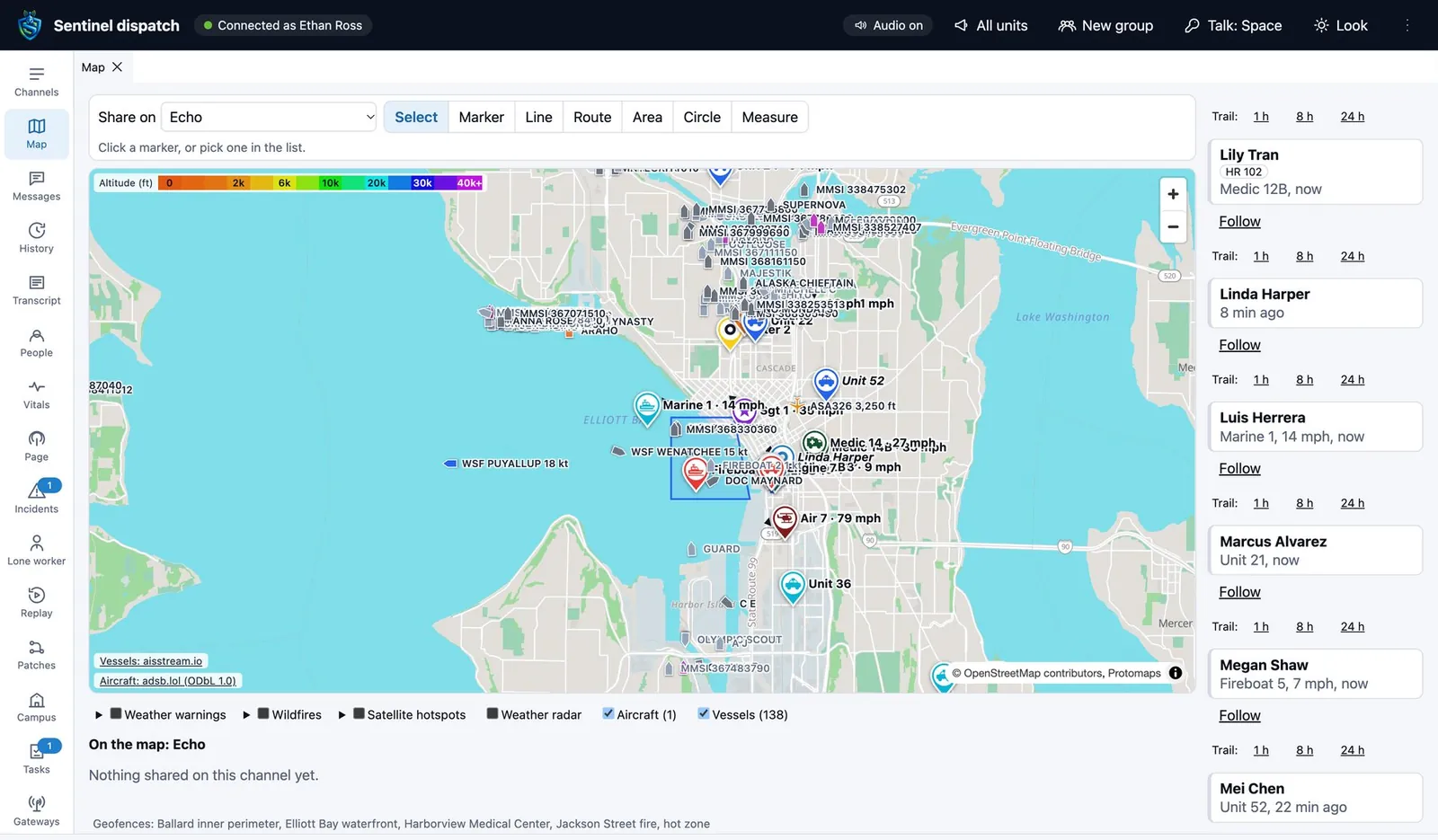
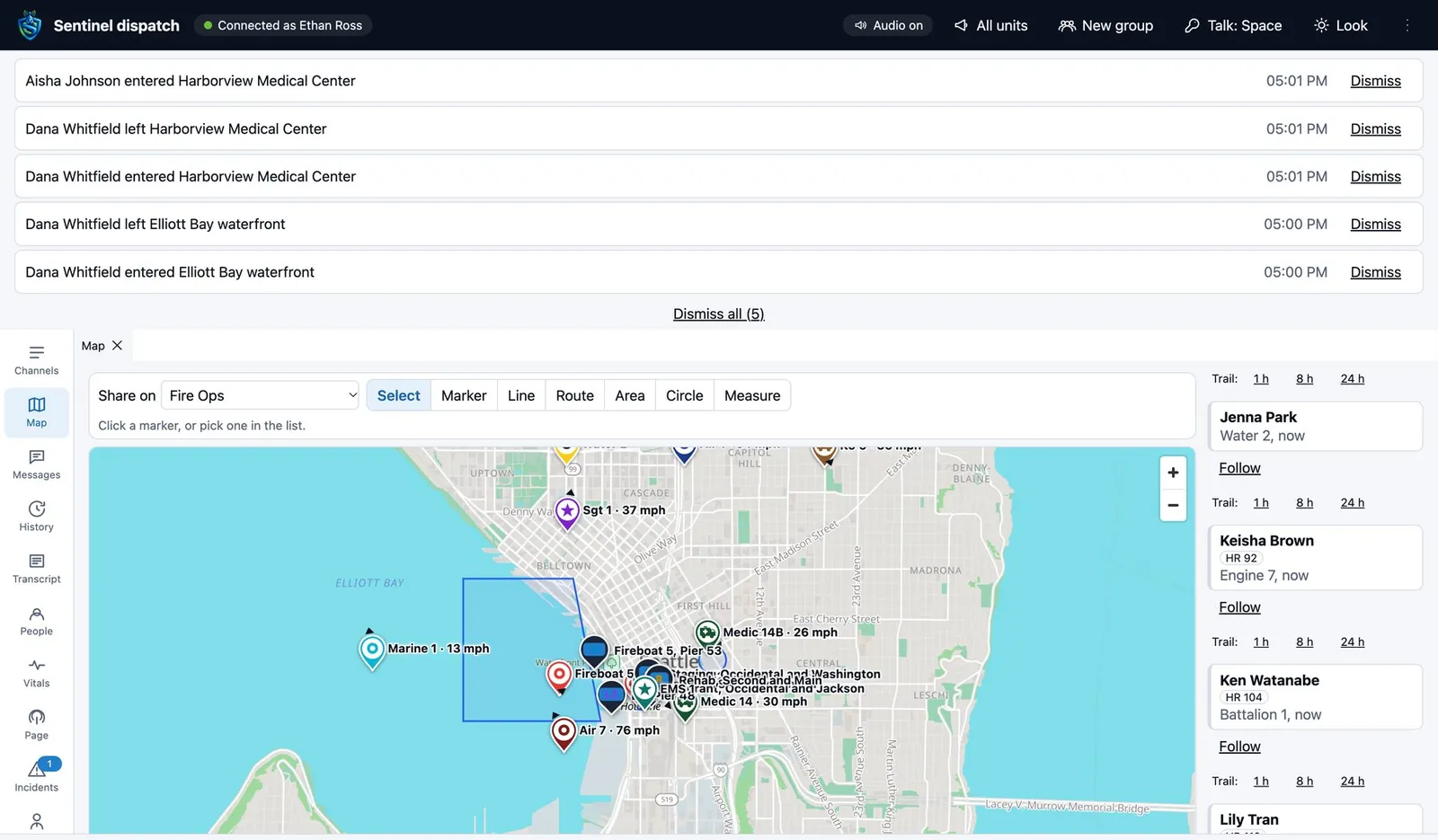
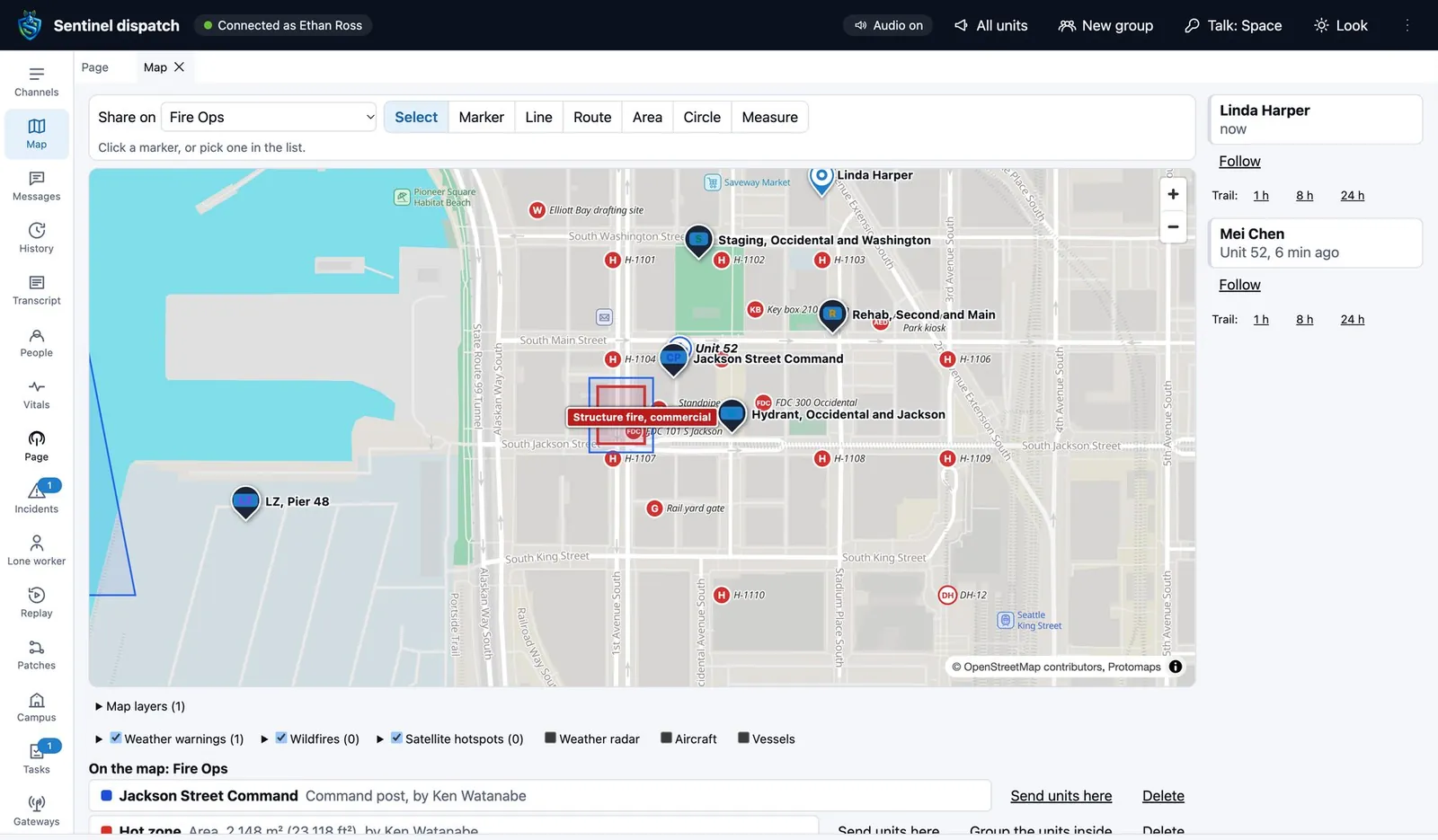
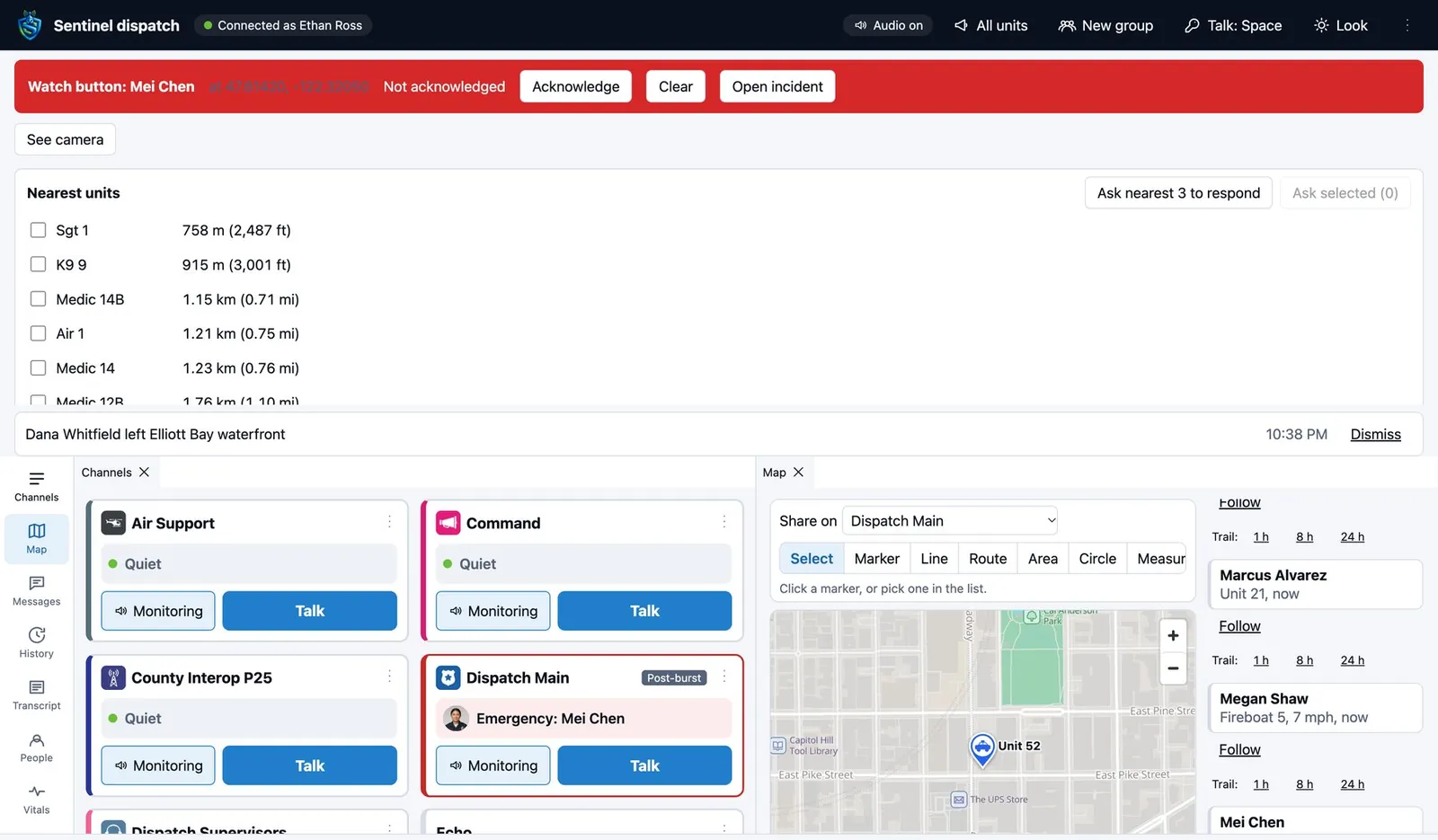
Follow any unit and show its trail. Draw a route, a search area or a marker, share it on a channel and send units to it.
- Unit pins
- Engine, ladder, rescue, ambulance, patrol, command, on foot and more, with heading and speed, in fourteen team colors.
- Aircraft and ships
- Tap one for its call sign, type, altitude or course, and an emergency or distress flag when it declares one.
- Weather and fire
- Weather warnings, radar, wildfire perimeters and satellite fire hotspots, with hotspot alerts for your area.
- Your own layers
- Hydrants, boundaries and preplans from shapefiles, KML or a CSV file.
- Indoors
- Floor plans under the units, and a room-by-room track of where someone was.
- Premise hazards
- Hazards and photos on an address, shown to the units sent there.
When someone holds the emergency key
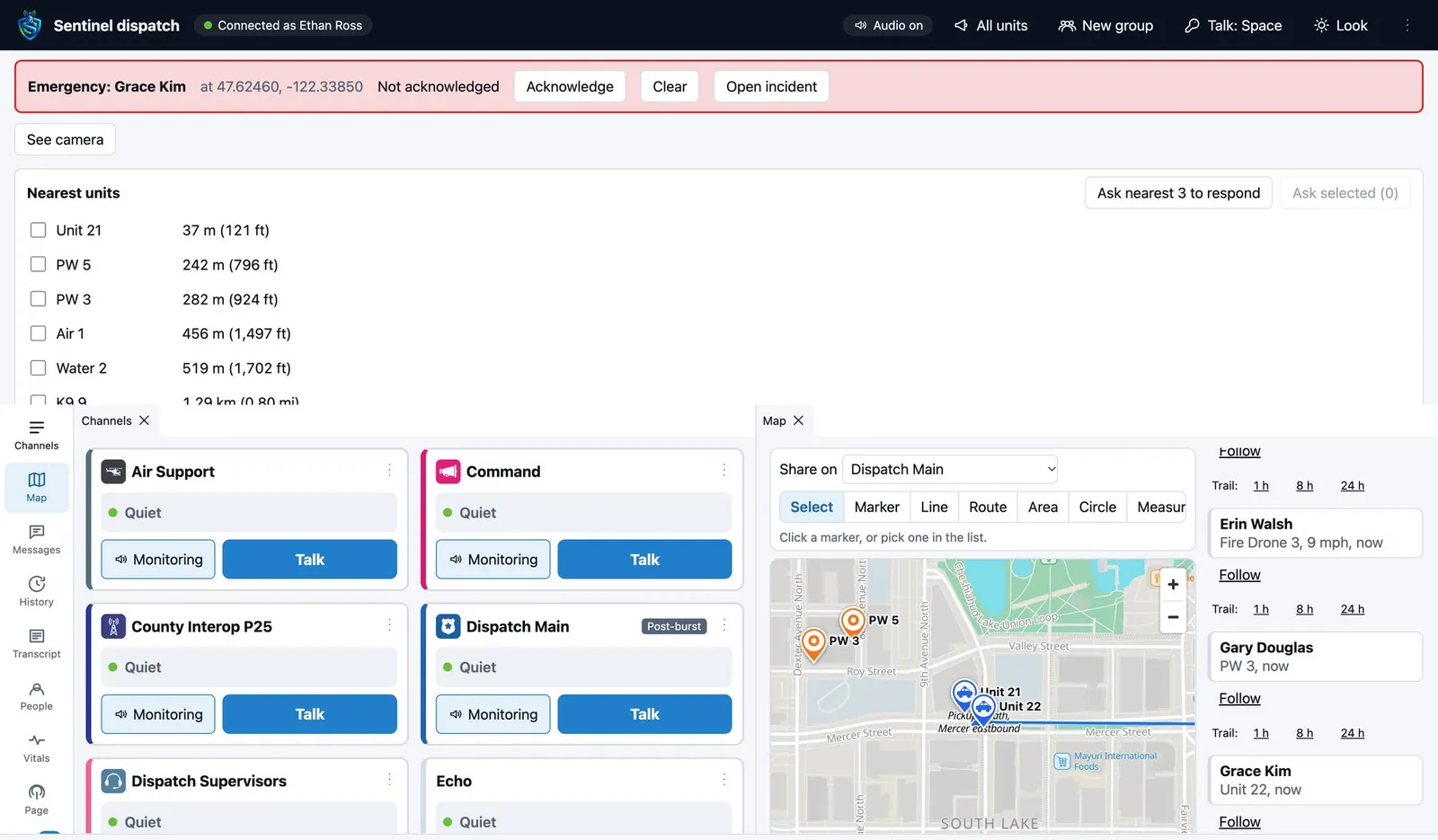
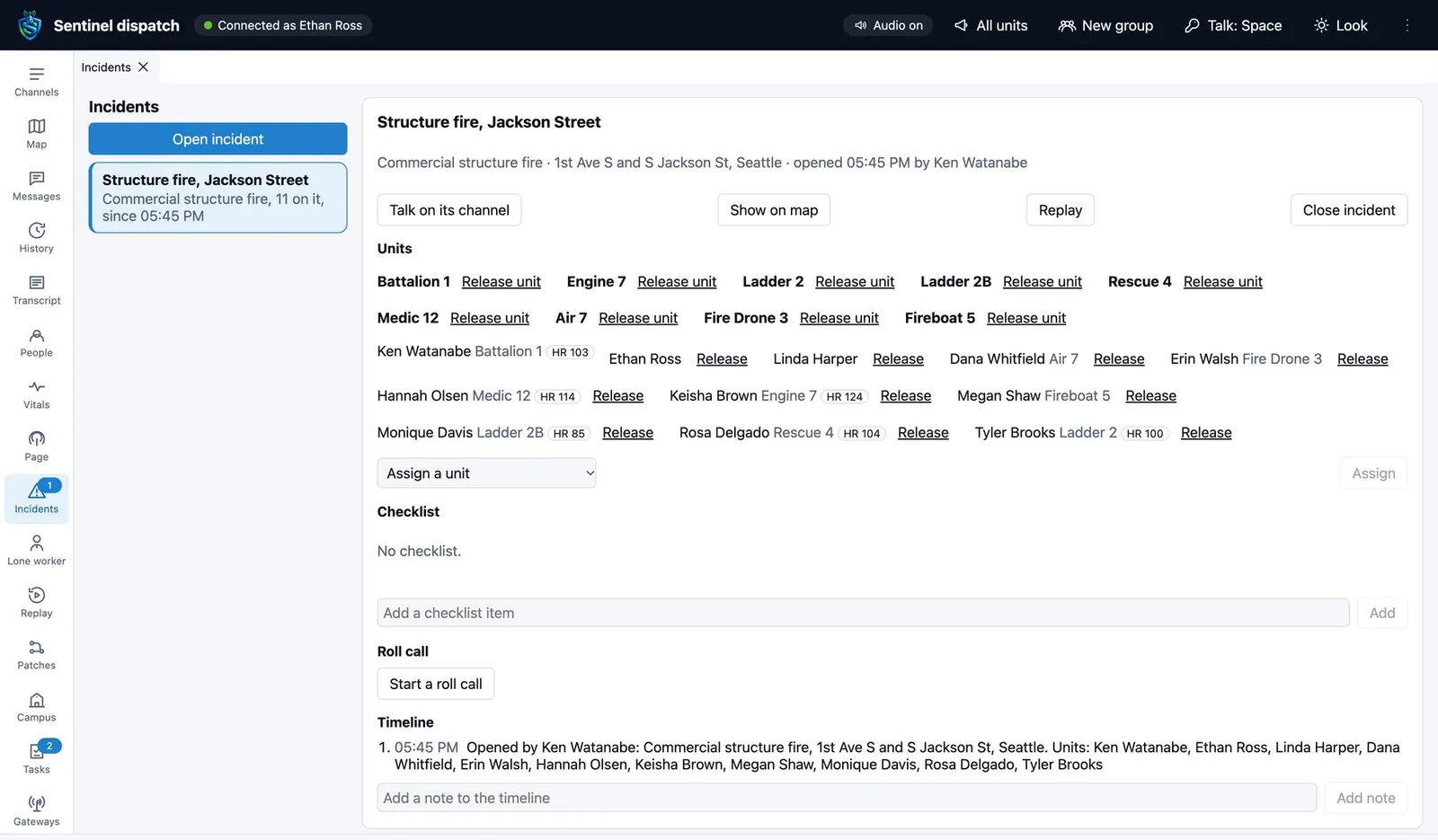
The alarm takes the top of the console with who raised it and where. The nearest units are listed by distance. One click asks the nearest three to respond.
- Hear the scene
- The raiser's microphone opens on the emergency.
- See the scene
- Dispatch can open the raiser's camera, where the agency's policy allows.
- Escalation
- An emergency nobody acknowledges goes on to named contacts by text, phone call and email.
- From here
- Acknowledge, clear, or open an incident from the emergency.
- Lone worker board
- Every running session and its state.
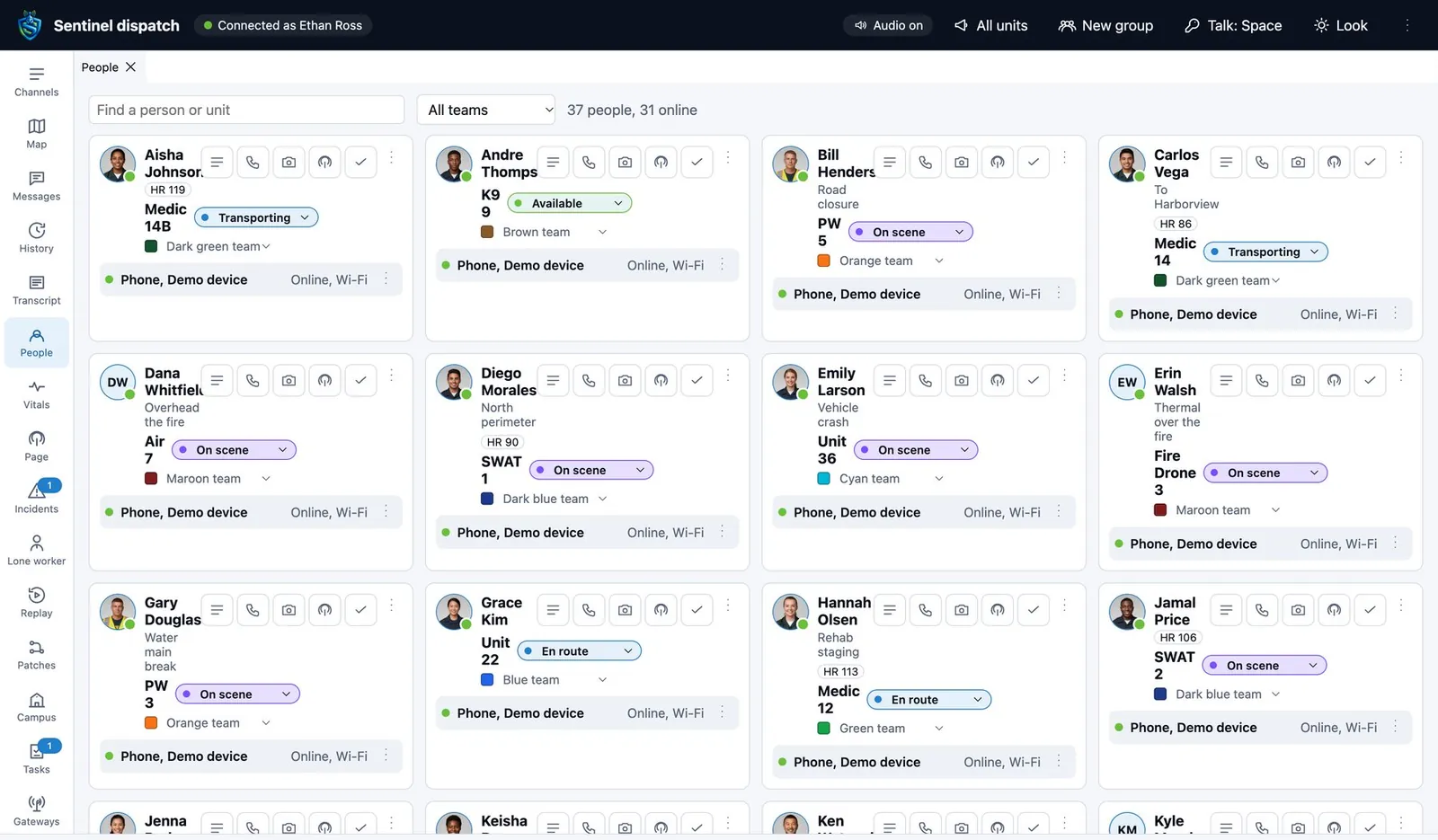
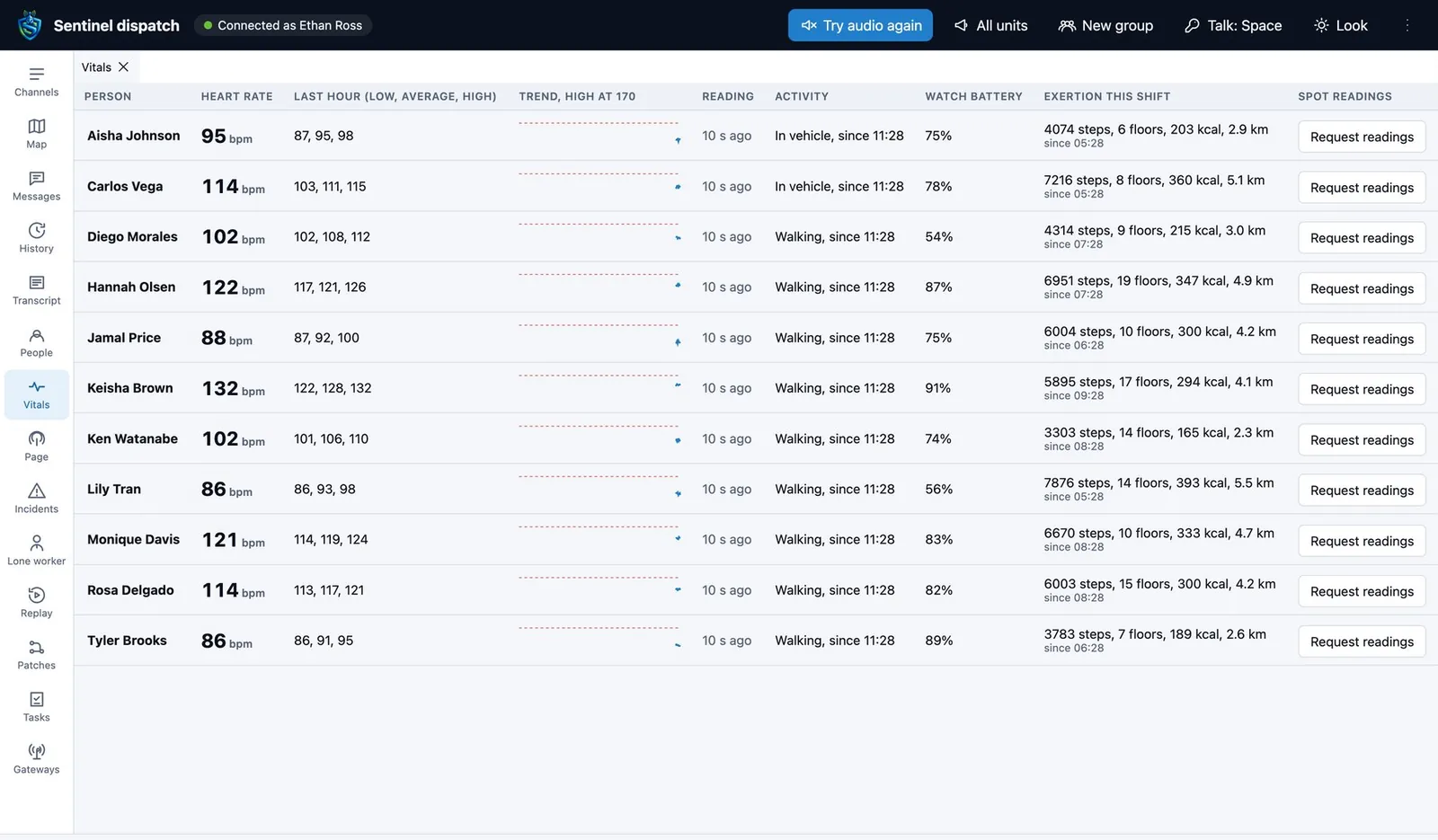
Everyone on shift, and how they are doing
- Device check
- A device's battery and signal on request.
- Radio check
- Is this radio on and reachable. The device answers with no tone and nothing on screen, so it is safe on a device under duress.
- Call alert
- Reach someone who is not answering, on every device they are signed in on.
- Disable and enable
- Take a lost or stolen device out of service and bring it back.
- Discreet listening
- A supervisor hears one user's calls. Supervisors only, and every use is audited.
- Consent
- Opening a user's microphone remotely asks that user first, where policy requires it.
The tools a console is judged on
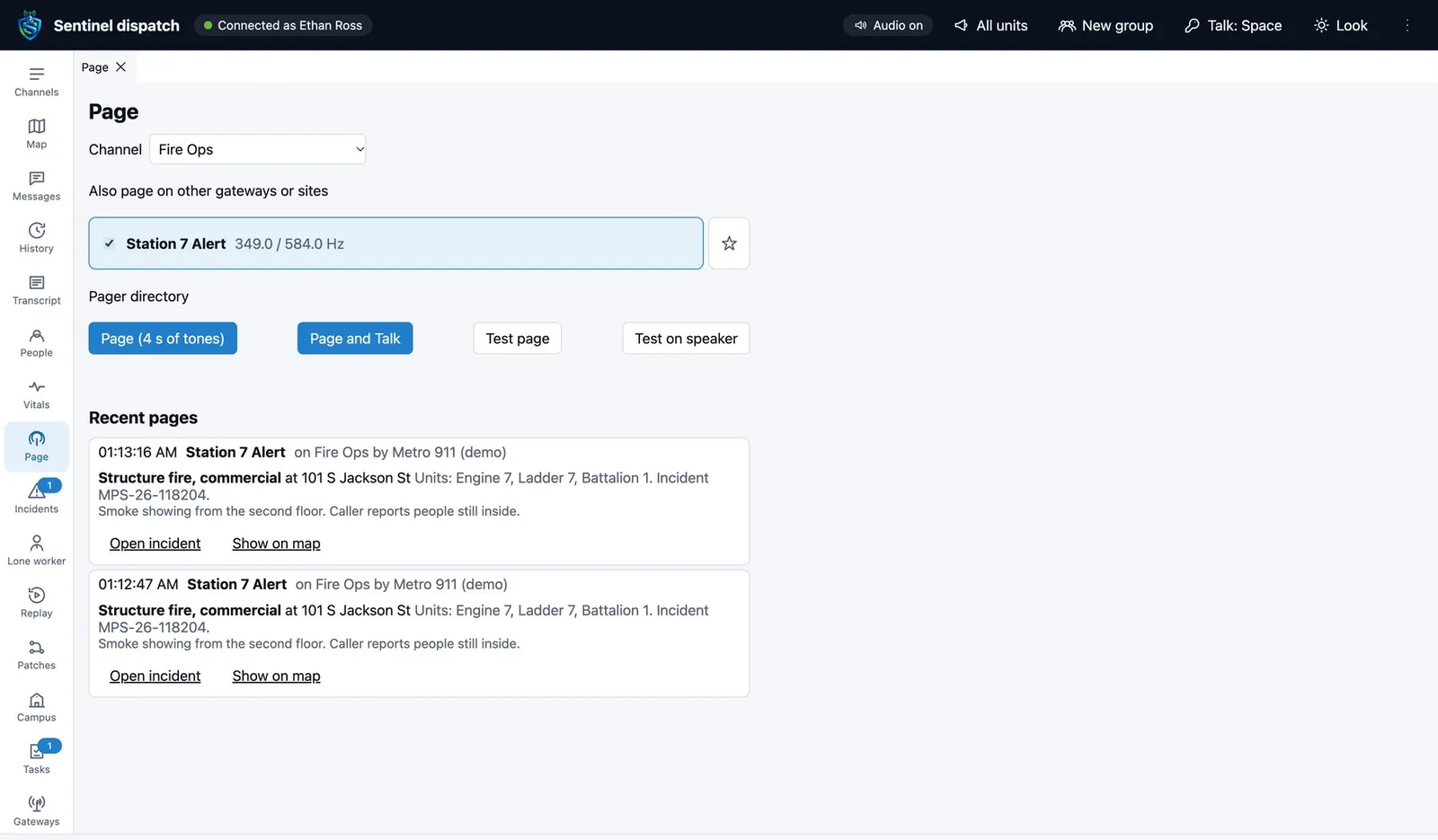
- Tone types
- Two-tone, long tone, DTMF, five-tone and your own recorded tones, played on the channel itself so radios behind a gateway hear them too.
- Temporary groups
- Any set of people for 1, 8 or 24 hours, or everyone inside an area you draw on the map.
- Typed to spoken
- Type a message and the field hears it spoken.
- Phone calls
- Dial out from the console, and bridge a channel to a phone line.
- Radio gateways
- P25 and DMR gateways shown with their health and when they were last heard.
- Mutual aid
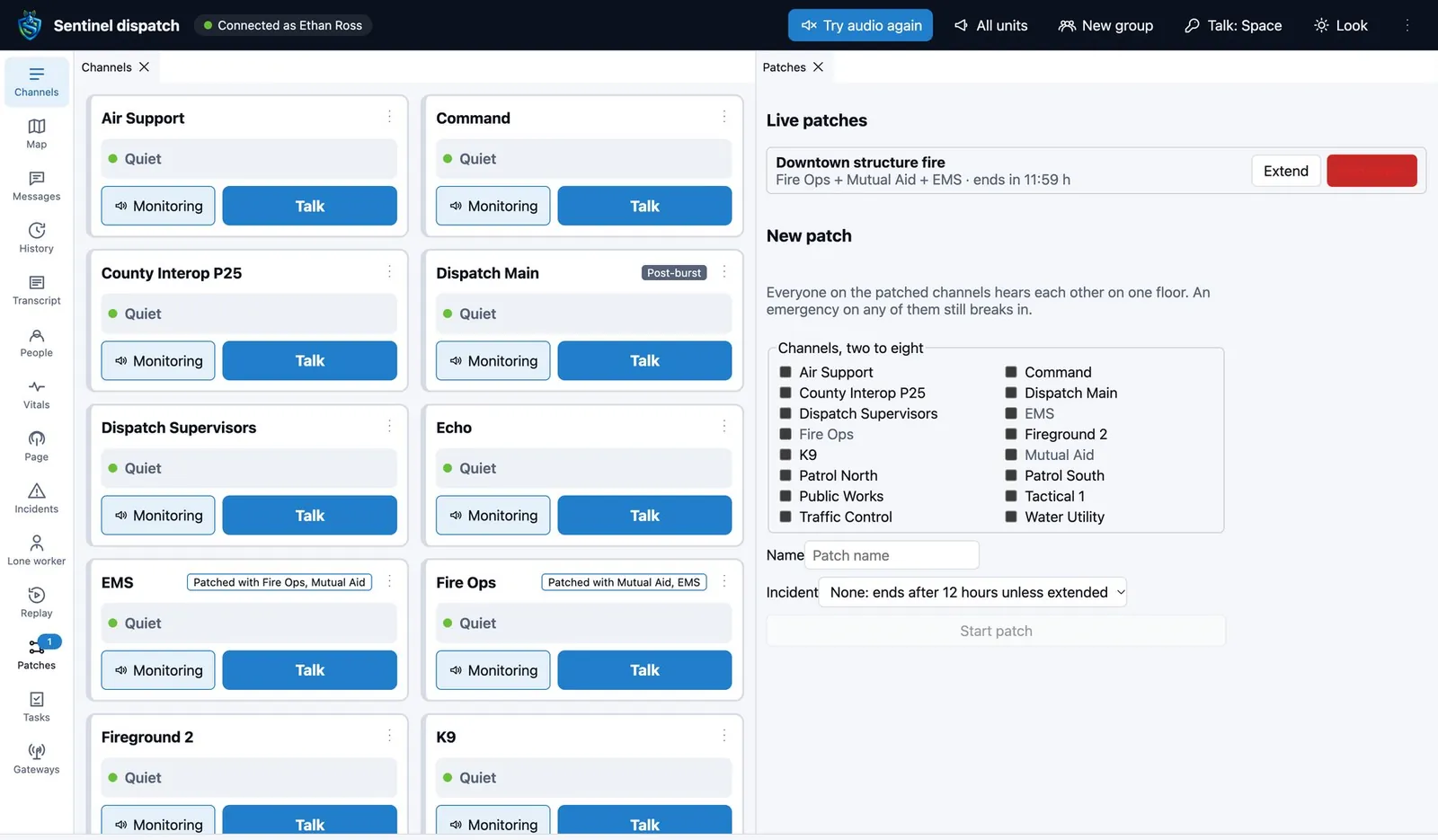
- Share channels and map objects with a neighboring agency.
Everything said, written down as it is spoken
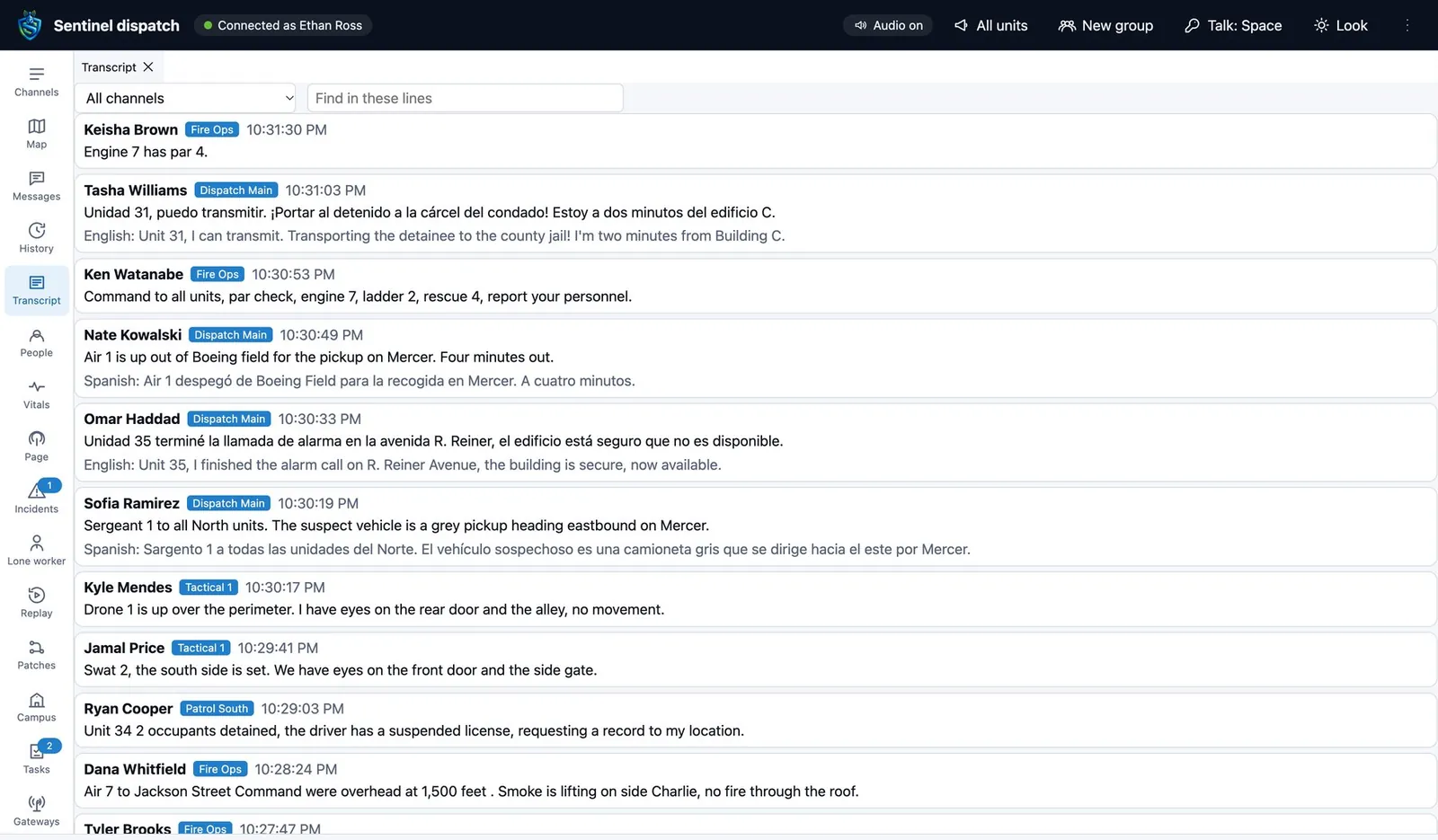
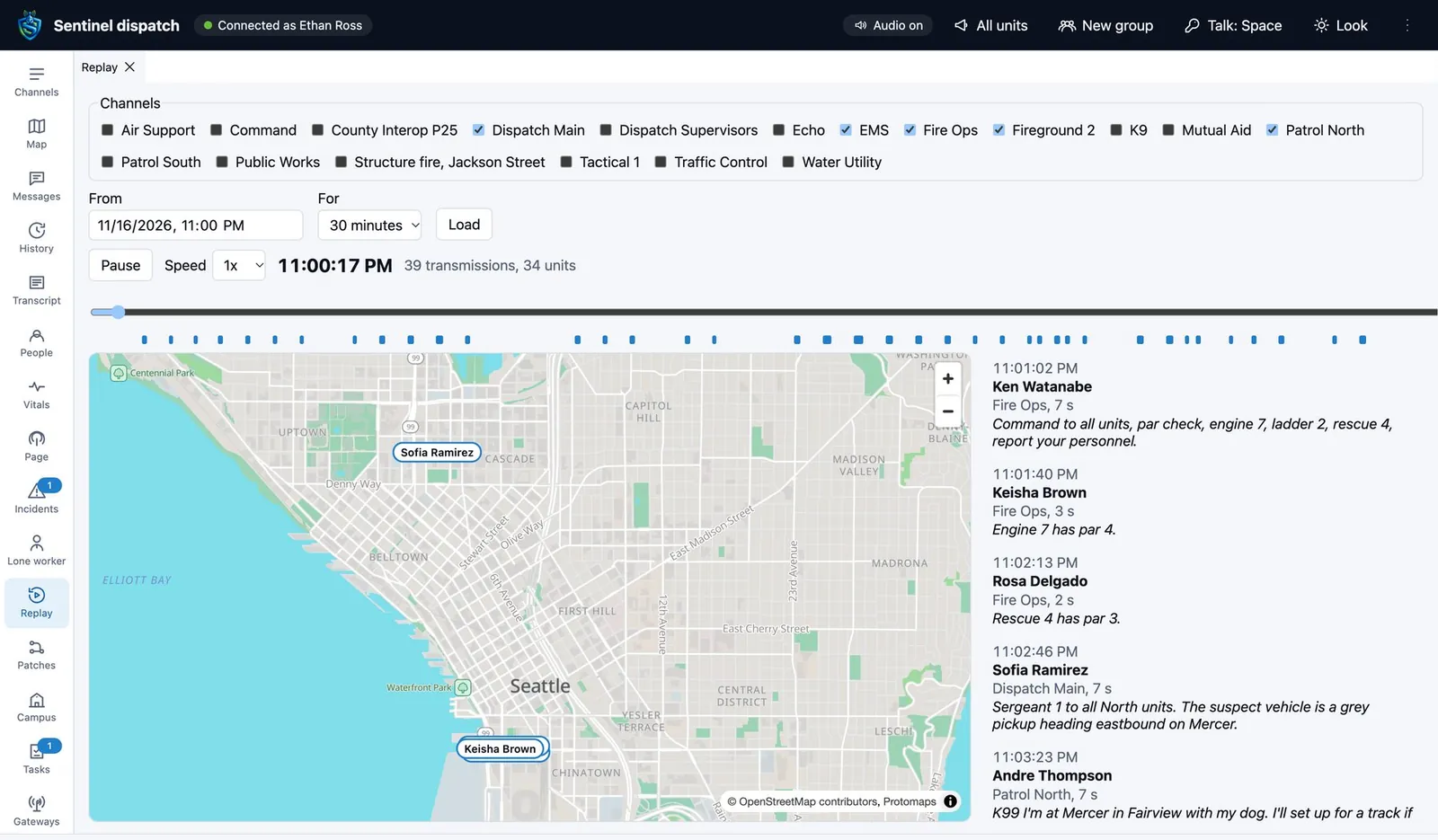
Every transmission is recorded and transcribed on your own server, word by word while the talker is still keyed. Search by what was said, who said it and when, and play the result in place.
- Replay
- Every channel, unit position and transmission of a time window, played back together on the map at up to 16 times speed.
- Listening for keywords
- Keywords and incident types found in the live transcript are offered to dispatch as an alert or a new incident.
- Retention
- Days kept for each kind of record, set by each agency.
- Legal hold
- A hold stops anything it covers from being deleted until it is released.
- Audit
- Every playback, download and search is recorded with who and when.
It keeps working when something breaks
Nothing on the server may stop a call or an emergency: not a license, a quota or a feature switch.
- Standby server
- A standby in a second data center carries every agency. Devices move to it within 2 seconds when the primary does not answer.
- On-site and vehicle servers
- A server in a building or a command vehicle keeps voice, emergencies, messages and the map working through an outage, then sends its records up.
- Encrypted backup
- Every night, encrypted to the owner's keys. Restores are tested on every build.
- Encryption
- Voice and data encrypted in transit. Recordings, transcripts and files encrypted at rest under each agency's own keys.
- Hosted or your own
- In our cloud or on a server you run.
- Open to other systems
- A documented API, webhooks and standard alert formats for the systems you already run.
Sit at the console
A 30 minute demo with live radios on the map and a footswitch under the desk.