 Sentinel MCX
MCX Mobile
The same button on every device a crew carries.
MCX Mobile is the app in the field. It runs on rugged push-to-talk radios, vehicle radios, Android phones, iPhones and watches, and it does far more than talk: messages, maps, tasks, video, translation and every kind of emergency.
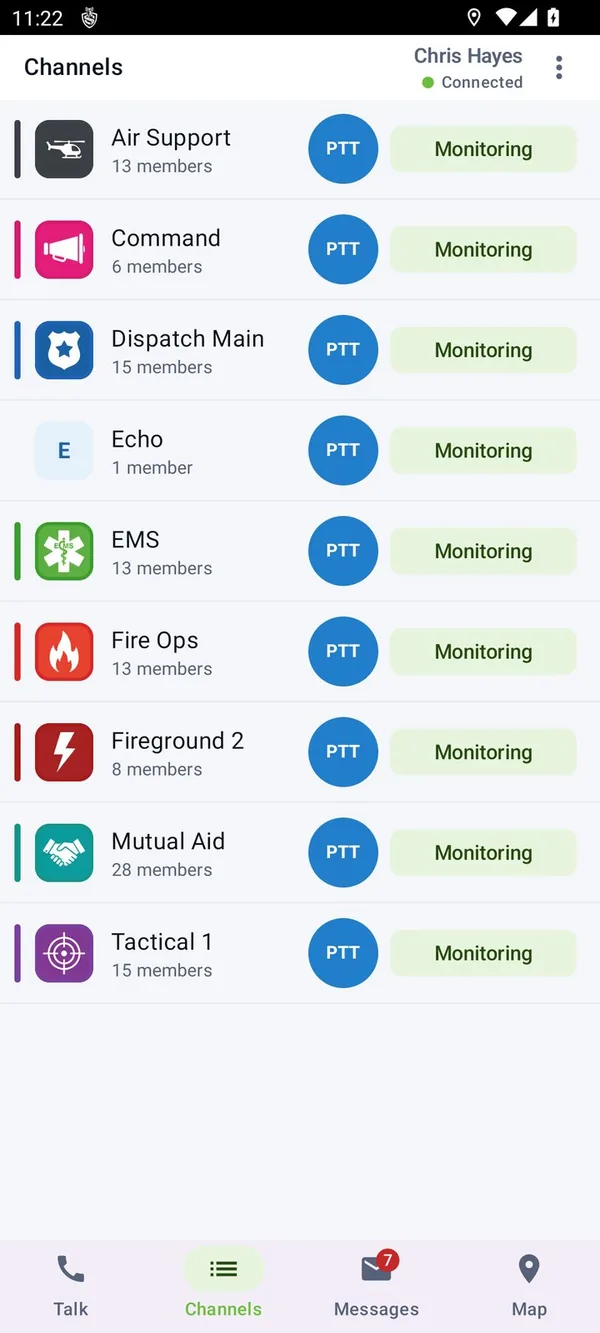
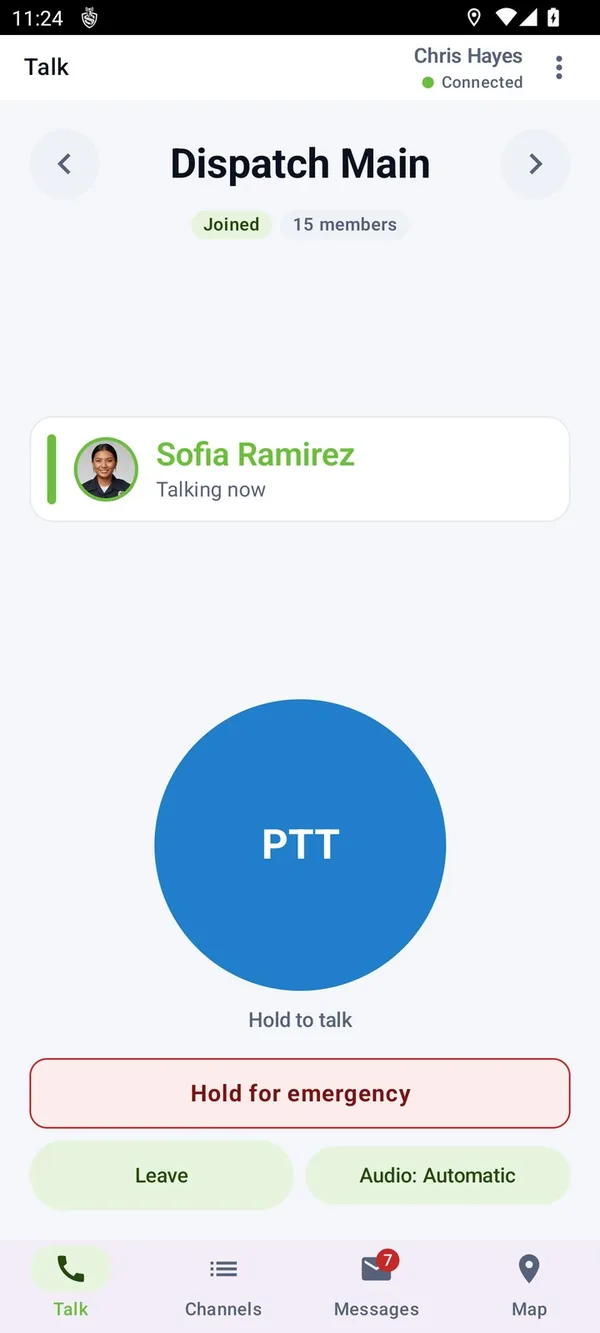
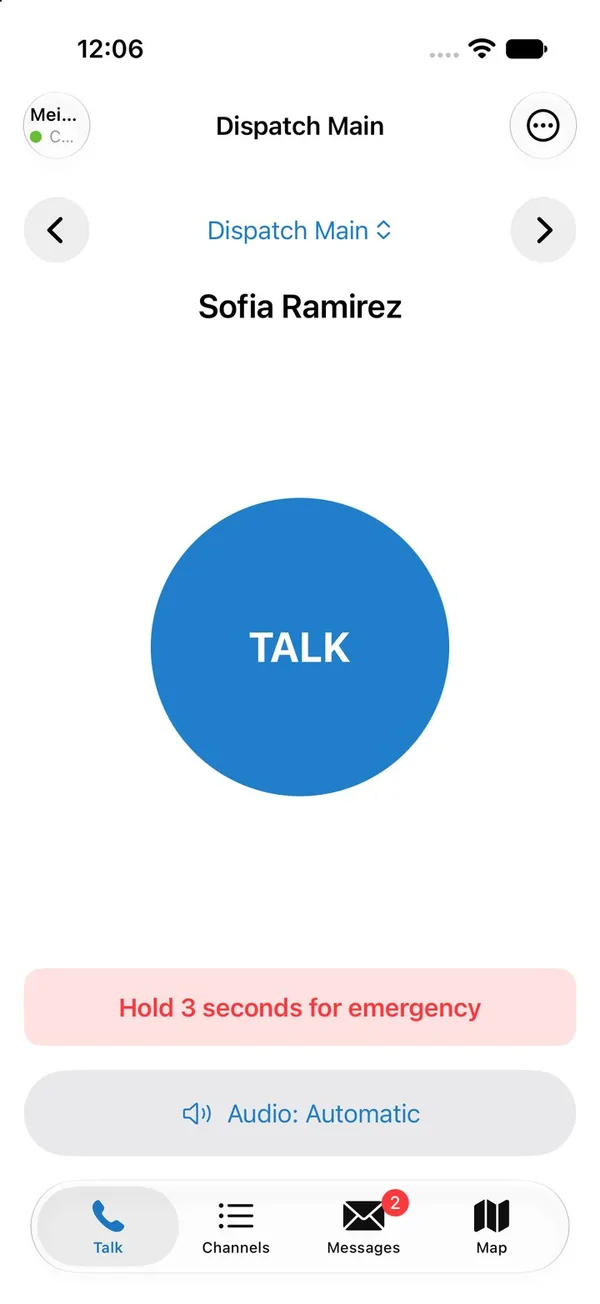
Talk, the way a radio user expects
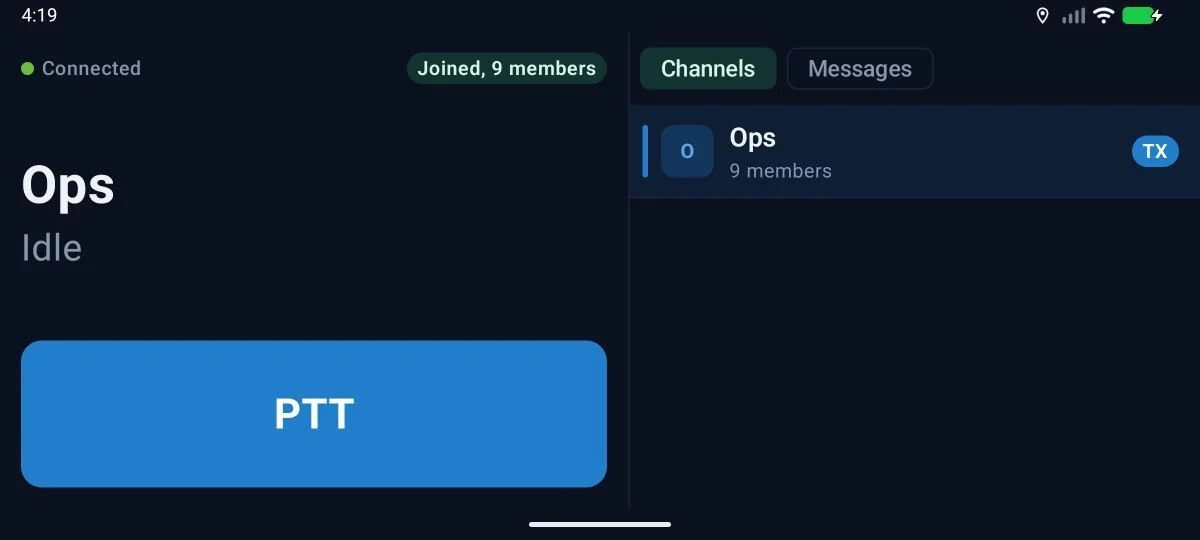
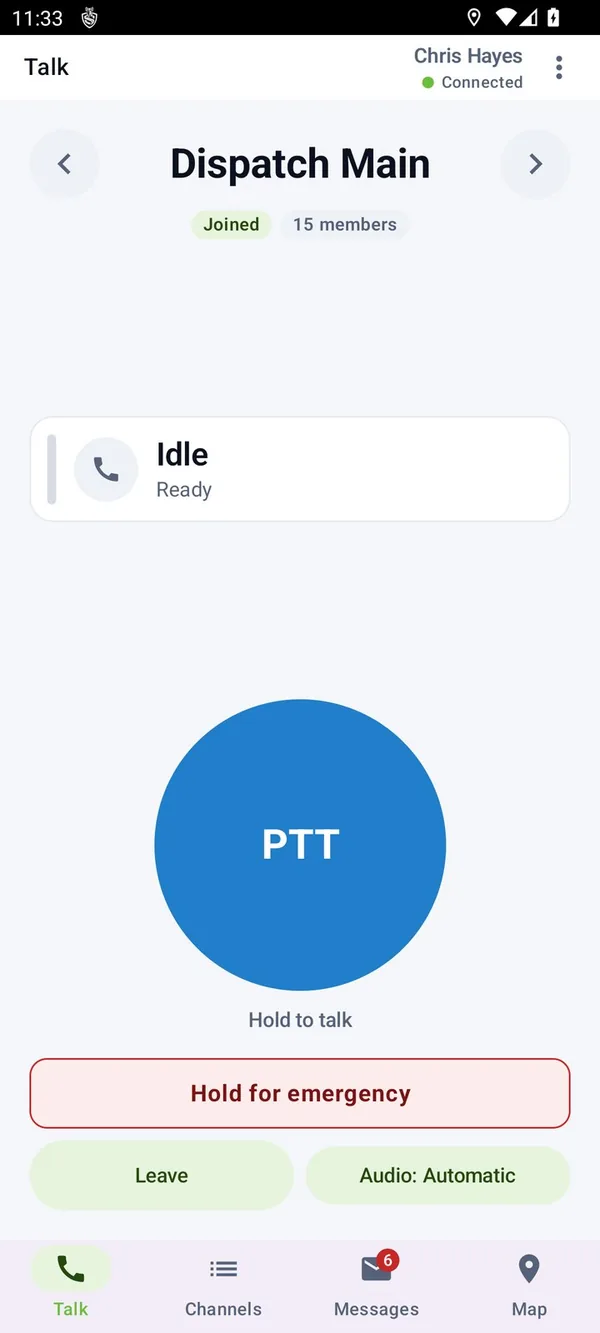
Press and talk to a group or to one person. One talker at a time, late joiners hear the transmission from the start, and every screen shows who is talking: name, call sign, unit, photo and team color.
- Channels with a face
- Every channel carries its own color and photo, so you always know where you are talking.
- Scan and priority
- Monitor any number of channels, talk on the one you press, with a priority channel and a scan list for each user.
- Beyond push-to-talk
- Full duplex calls between users, video calls, and a broadcast to every member of a channel.
- When someone is away
- A private call that finds nobody leaves a voice message. A call alert reaches every device they are signed in on.
- Shared radios
- Sign in with a number and PIN at the start of a shift on a pool radio.
- Do not disturb
- A presence state dispatch can see. Emergencies still break through.
It fits the device in the hand
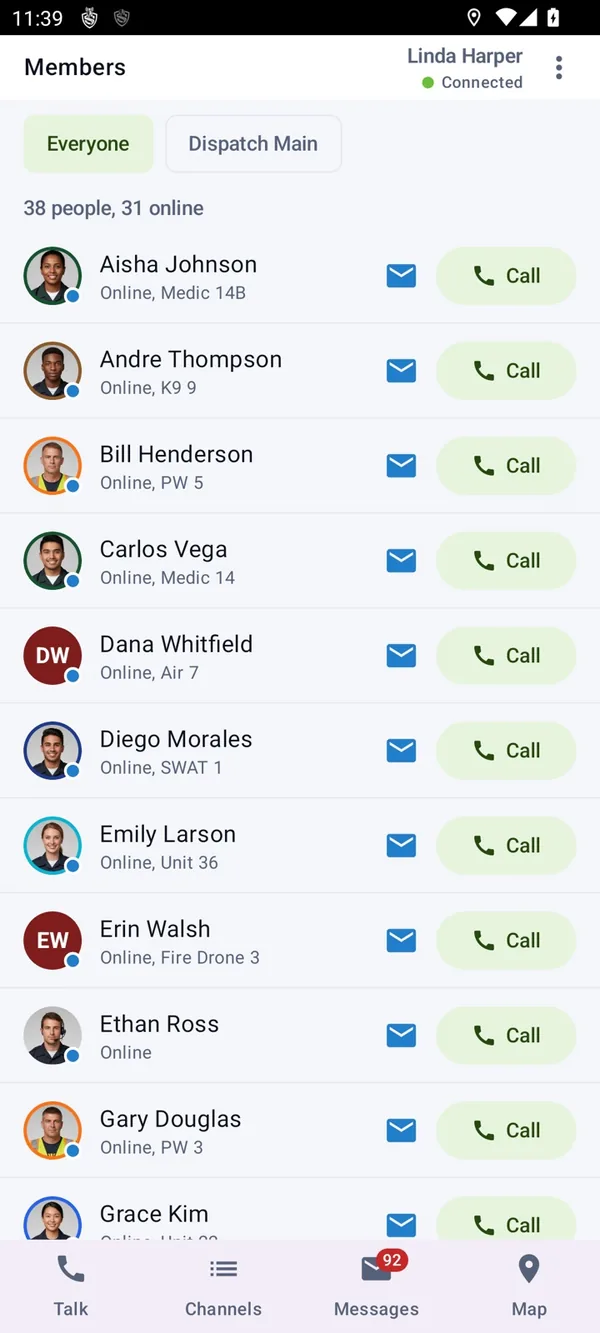
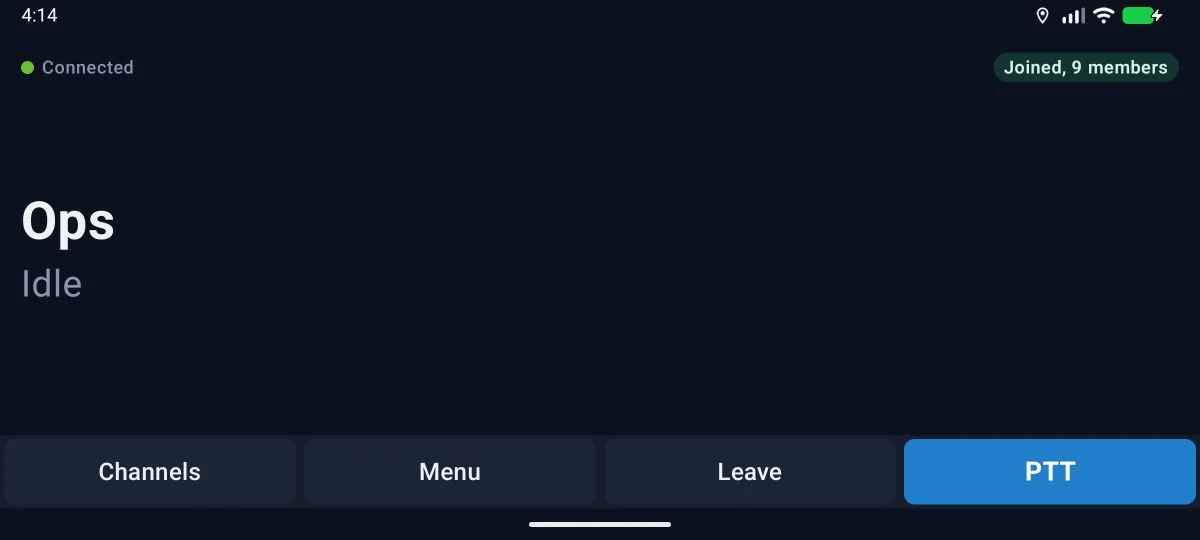
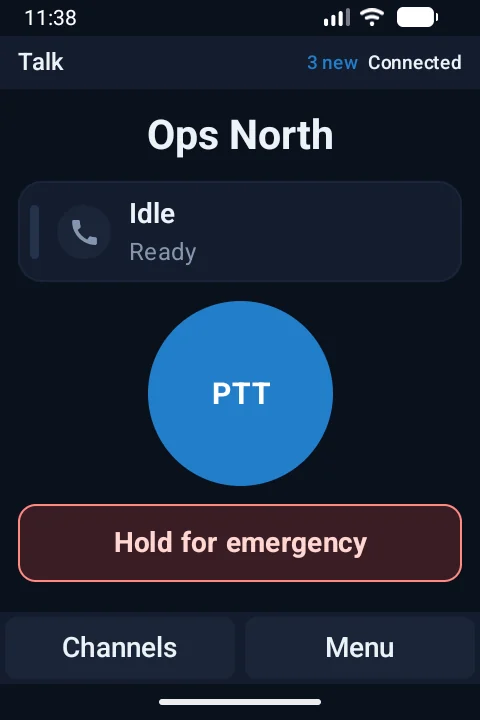
The app is built to run on the most modest device in the fleet. A keypad radio gets large type and soft keys. A vehicle radio gets a wide talk button. A phone gets everything.
- Device classes
- Touch handsets down to 3.5 inch screens, keypad radios driven from the D-pad, screenless radios with channel knobs and voice prompts, vehicle radios, phones and tablets.
- Hardware keys
- Talk, emergency and side keys mapped for each radio model.
- Accessories
- Bluetooth talk buttons, speaker mics and headsets. You choose where voice plays.
- iPhone
- A native app on the same channels, with talk from the lock screen, Siri and Shortcuts.
- Everything one tap away
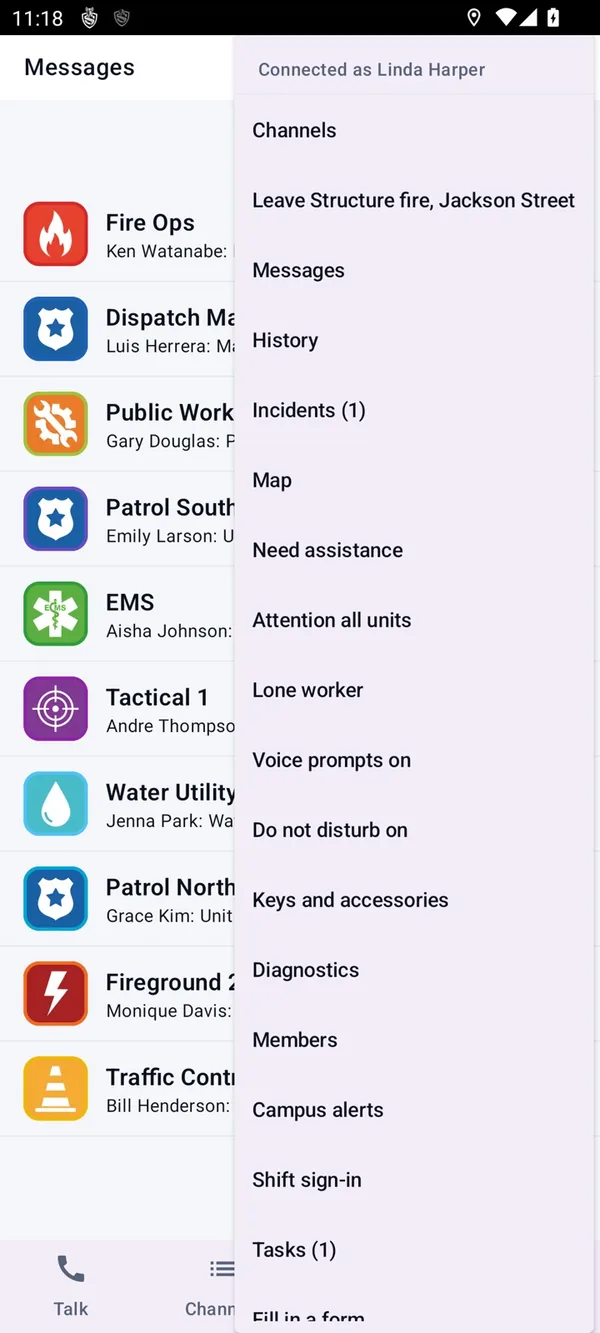
- A menu of every feature, and a home screen of shortcuts each user arranges.
Help is asked for in more ways than one
Some emergencies are a button held down. Others are a person who has stopped moving. Either way the alarm breaks through every channel and reaches dispatch with live location and an open microphone.
- Raising it
- A dedicated emergency key, a two-second hold on the talk screen or a rapid press.
- Duress
- A code that raises a silent SOS and shows nothing on the device.
- Without pressing anything
- Man down, no motion and vehicle crash detection, each with a pre-alarm you can cancel with I am OK.
- Lone worker
- Check-in timers that run on the device, so they keep working without coverage. Missed check-ins go to dispatch, then to texts, calls and email.
- Quick alerts
- Need assistance and attention all units in one tap, beside the emergency path and never in place of it.
- It always gets through
- No license state, quota or switch can stop an emergency from being delivered.
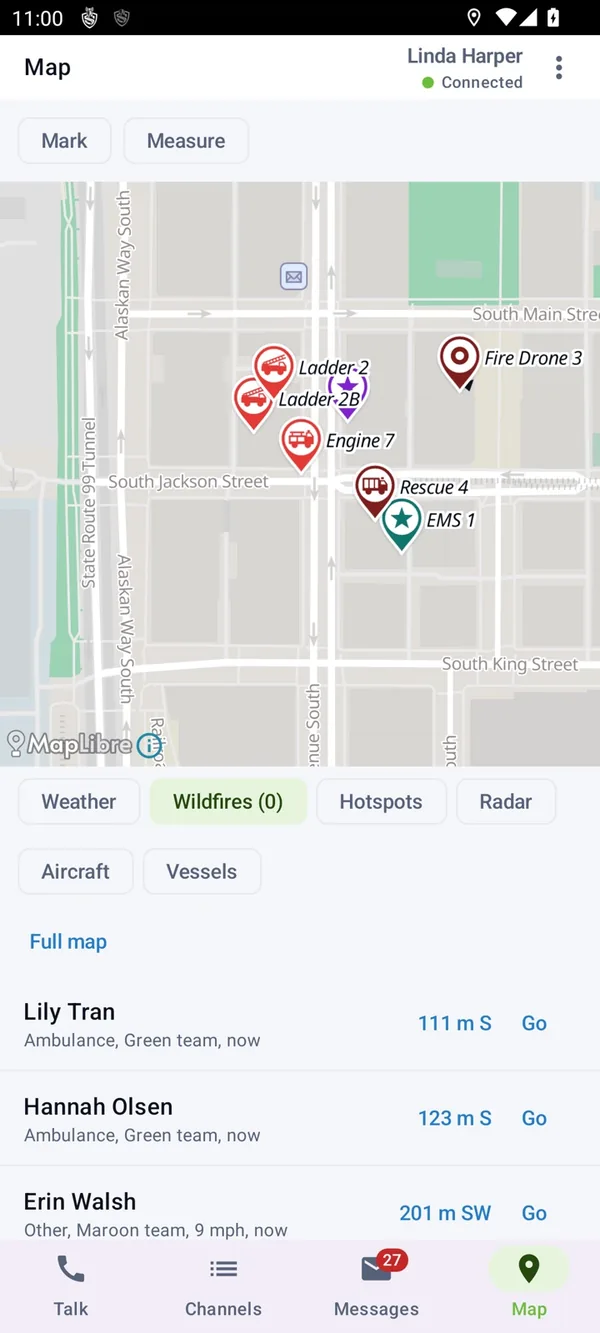
A map that knows what is around you
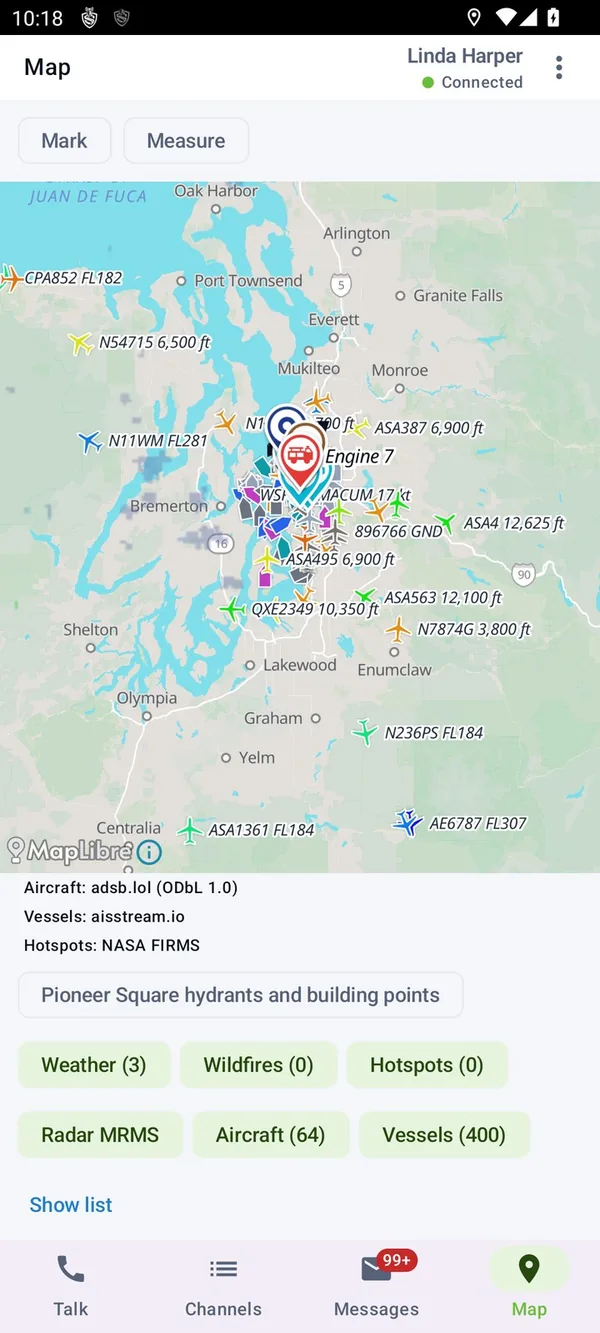
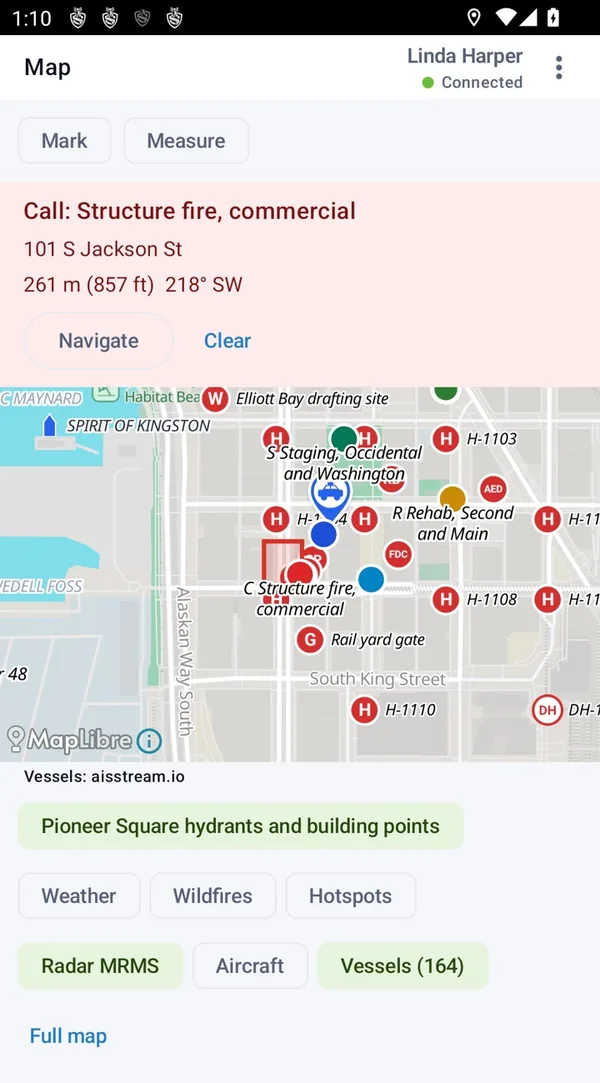
Every unit with its vehicle type, heading, speed and team color. Markers and routes dispatch shares. And the hydrant on the corner.
- Live feeds
- Weather warnings, radar, wildfires, satellite fire hotspots, aircraft and ships, for the ground the map is showing.
- Building points
- Hydrants, standpipes, fire department connections, key boxes and AEDs, each with its own badge. Tap one for its notes.
- Incidents
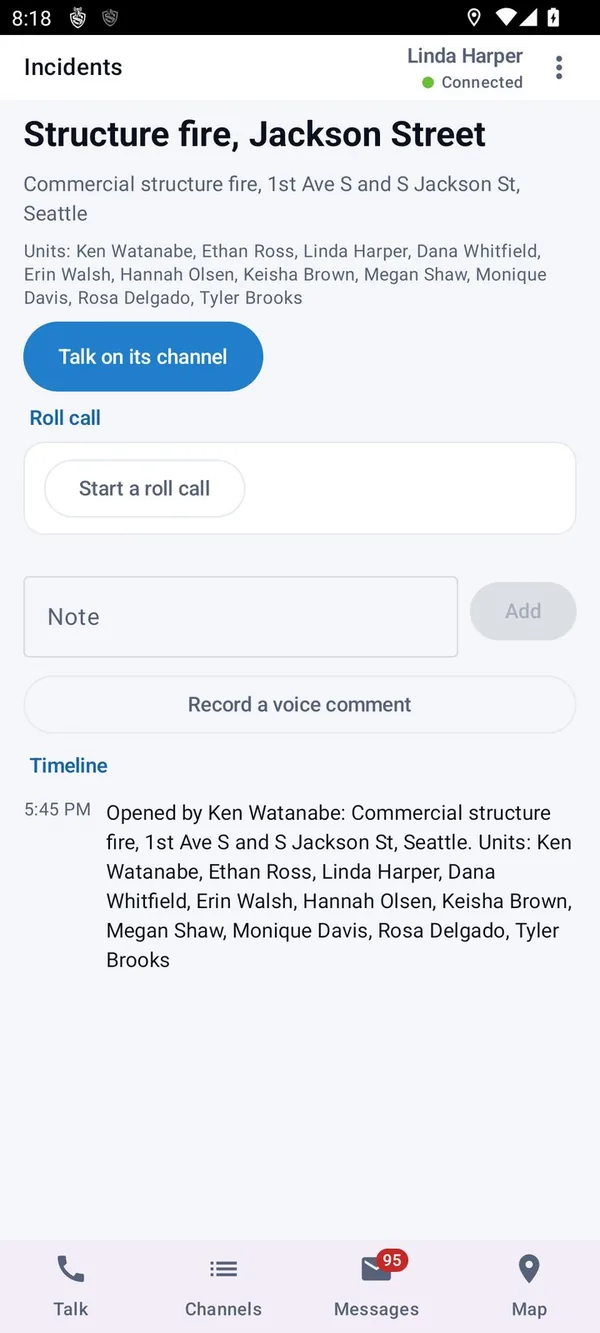
- An open incident with its units, a button to talk on its channel, roll call, notes and a timeline. Units can attach themselves.
- Indoors
- Floor plans and preplans, with beacons and Wi-Fi placing people in a room where GPS cannot.
- Offline
- Maps saved to the device for areas without coverage.
- Navigate and follow
- Head to a unit, a marker or a call, or follow a unit as it moves.
The rest of the shift, in the same app
The radio is already in the hand. It may as well carry the job sheet.
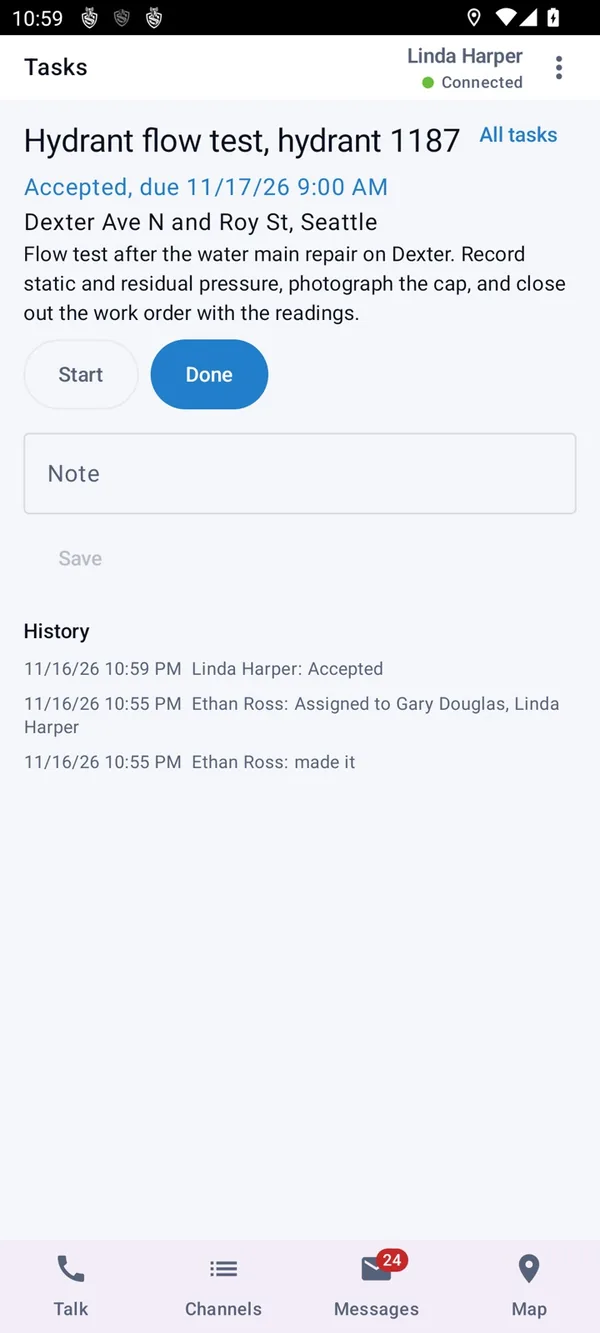
- Tasks and work orders
- Title, address, details, due time and who it is for. Accepted, started and finished from the device.
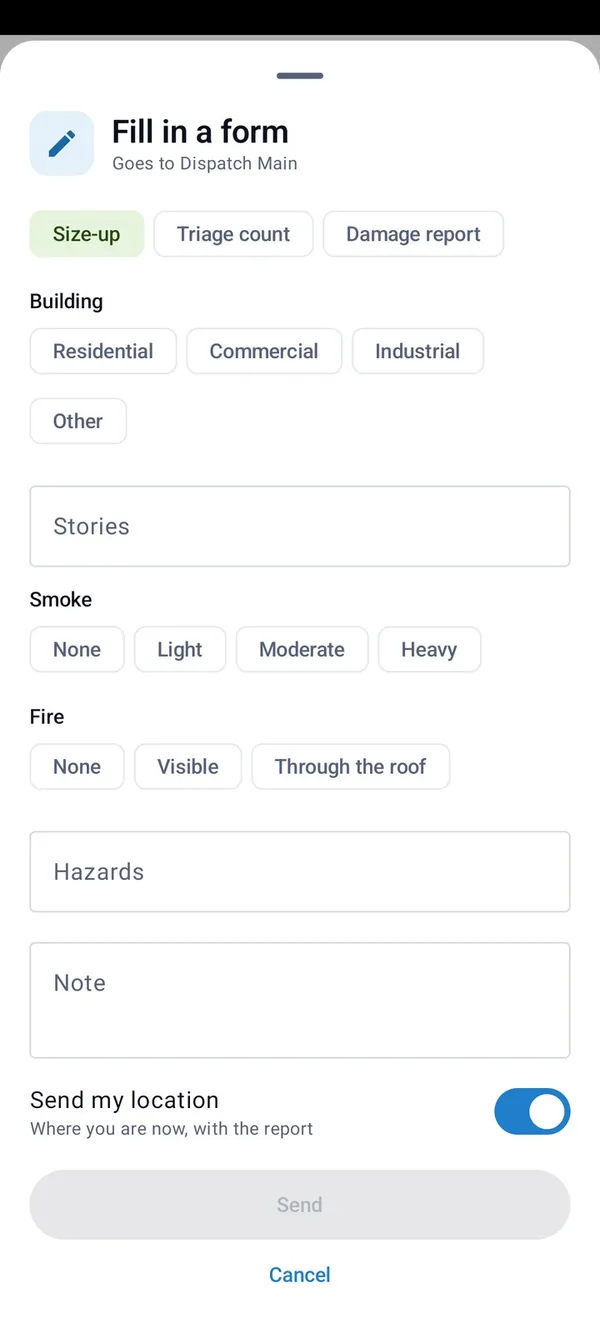
- Forms
- Forms you build, filled in offline, with choices, photos, map positions and signatures.
- Guard tours
- Rounds with NFC, QR, GPS and beacon checkpoints, every scan recorded with its location.
- Attendance
- Clock in and out.
- Messages
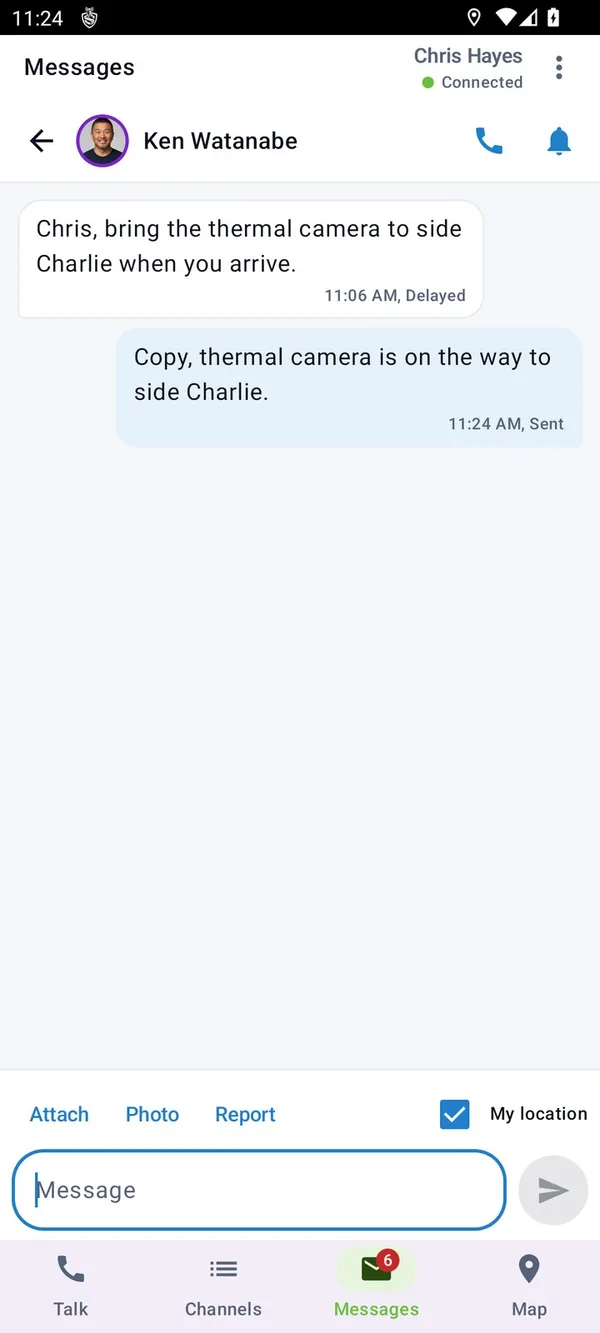
- Text, photos, files and replies, one to one or to a channel, bridged to SMS and email.
Everyone hears their own language
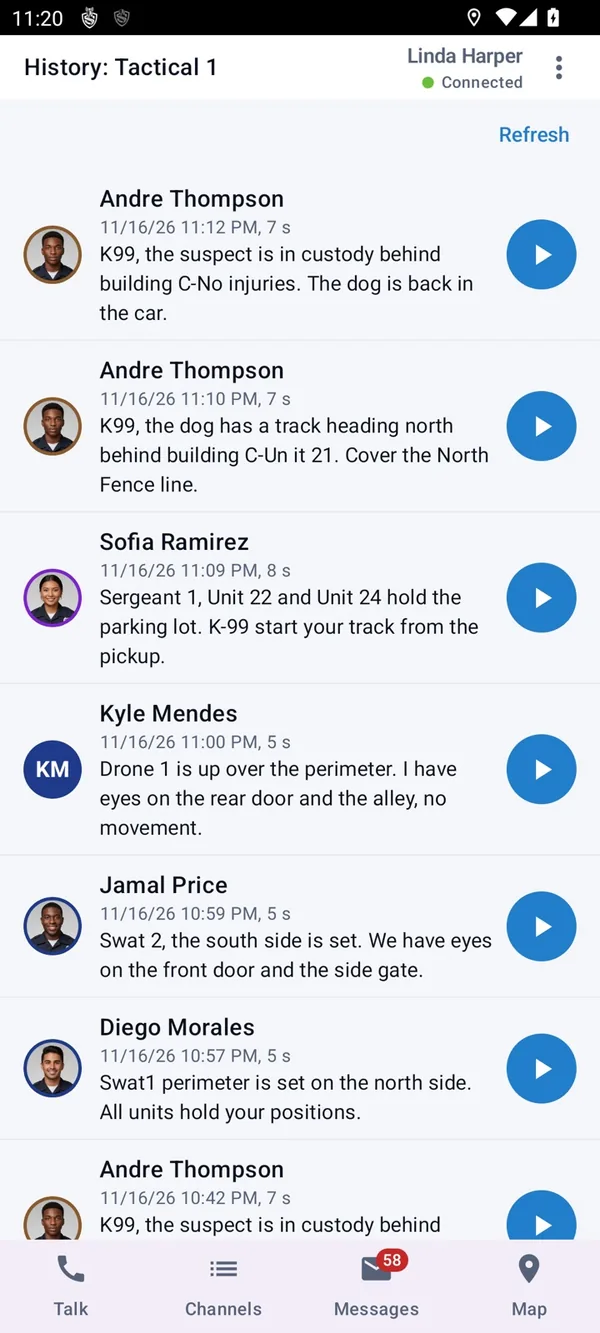
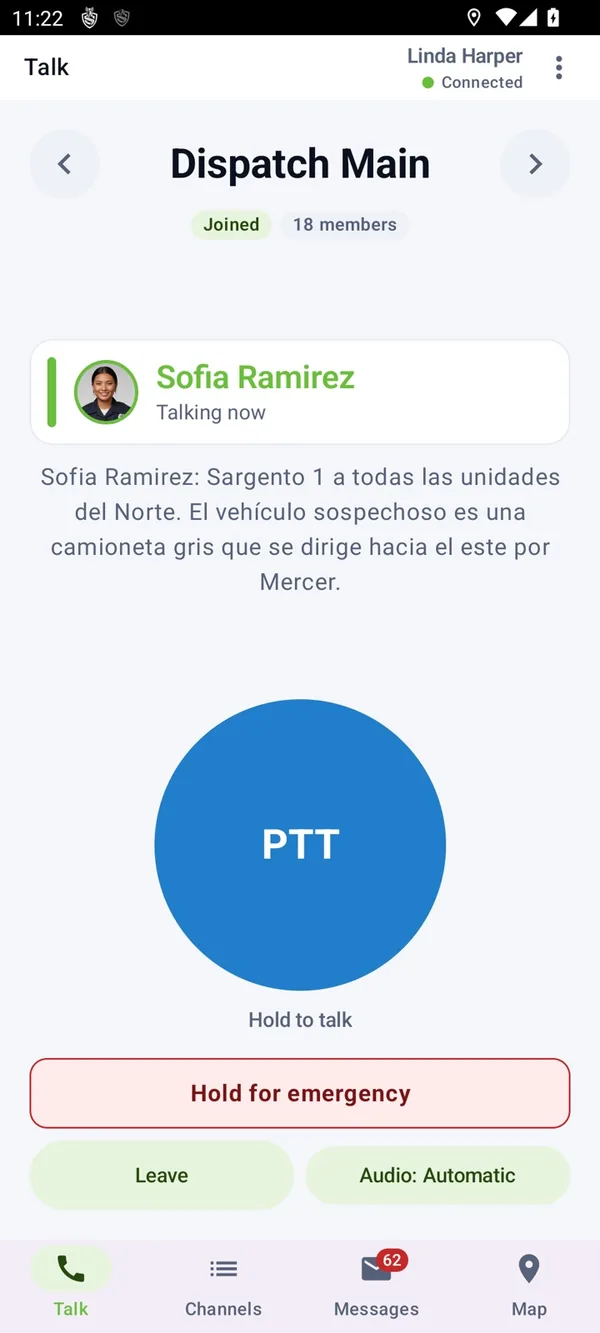
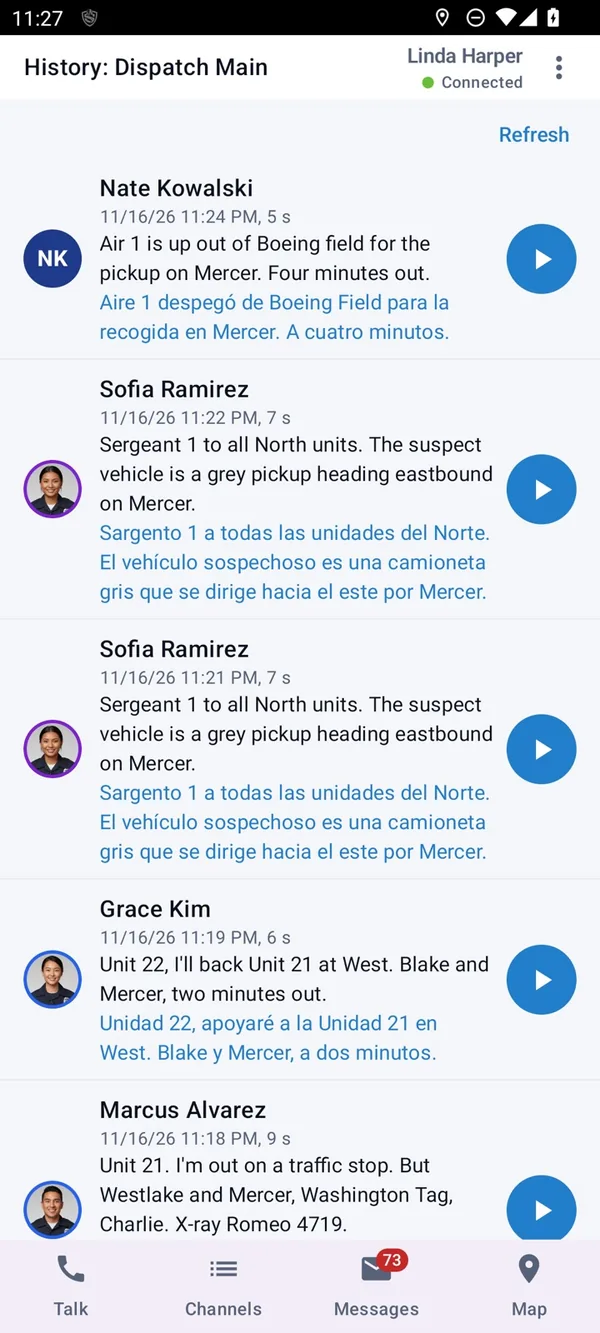
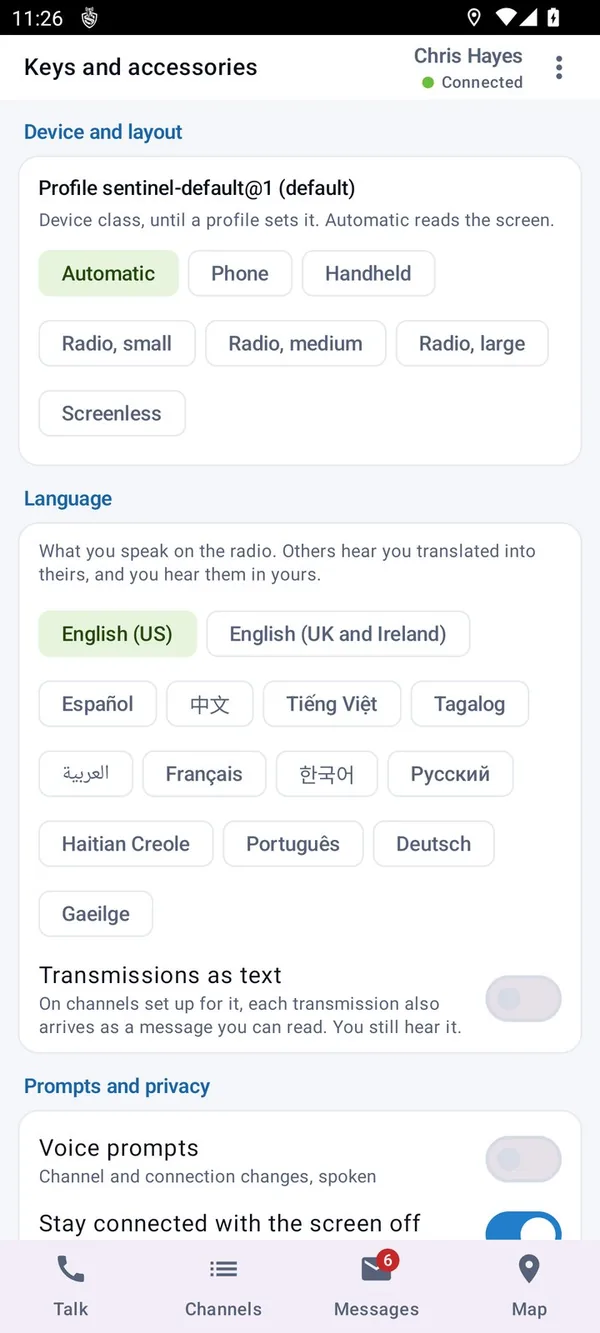
Each user picks their language. Every transmission is transcribed and delivered translated, as text, as speech or both. The original audio is always kept.
- It never talks over the radio
- A translation waits for a live transmission to end, and an emergency stops it at once.
- Typed to spoken
- A dispatcher's typed message is spoken to each person in their own language.
- Echo channel
- Hear yourself, or hear yourself translated, before you rely on it.
- Your words
- A glossary for each agency keeps unit names and local terms right.
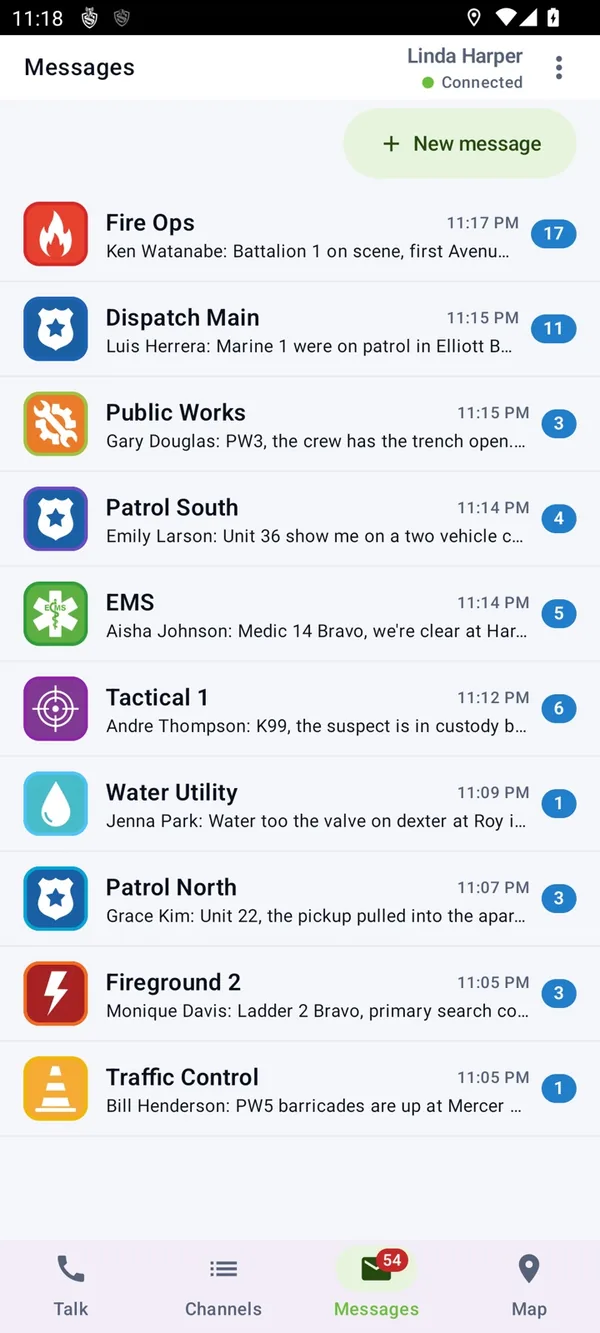
In these screens the field user has chosen Spanish. An English transmission plays as spoken, and its Spanish text follows.
Talk and call for help from the wrist
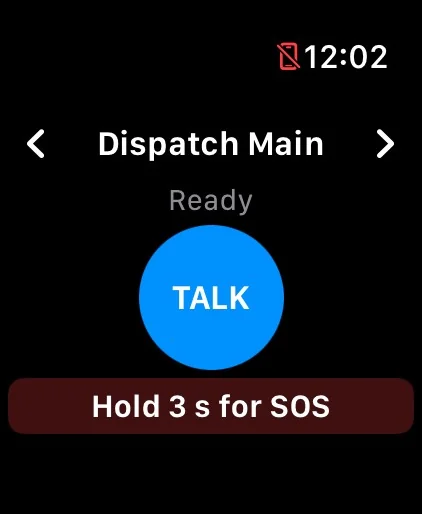
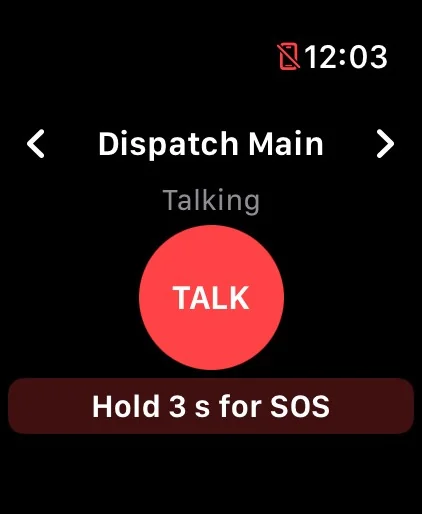
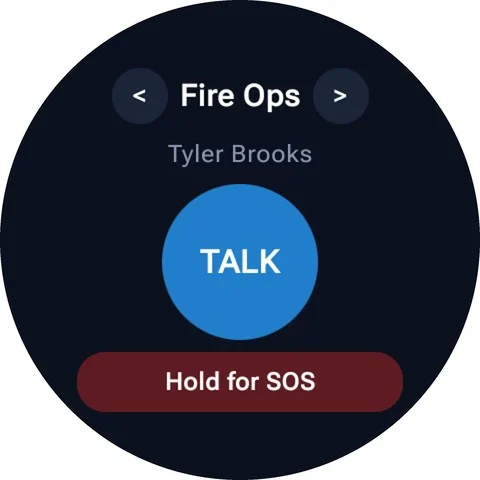
With the phone in a pocket or a vehicle, the watch talks and listens on its own microphone and speaker. It works through the paired phone, so it needs no account or data plan of its own.
- Apple Watch, Galaxy Watch and Pixel Watch
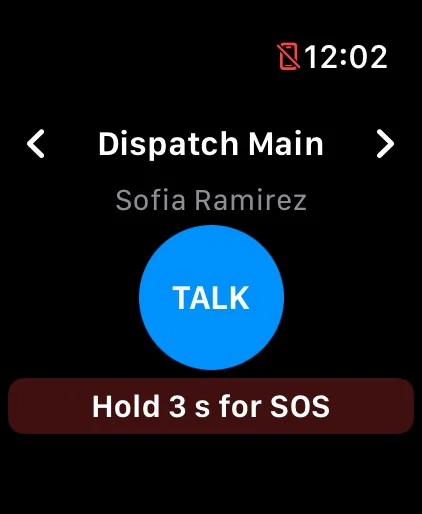
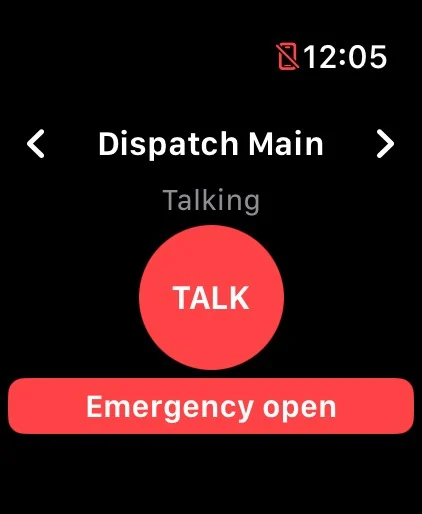
- The same controls on each: channel arrows, TALK and a hold for SOS.
- Who is talking
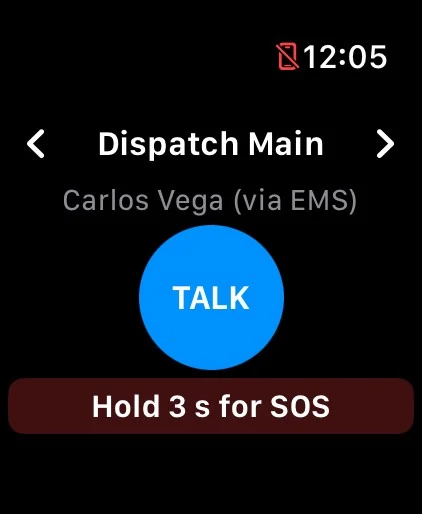
- The talker's name, and the channel they came through when it is a patch.
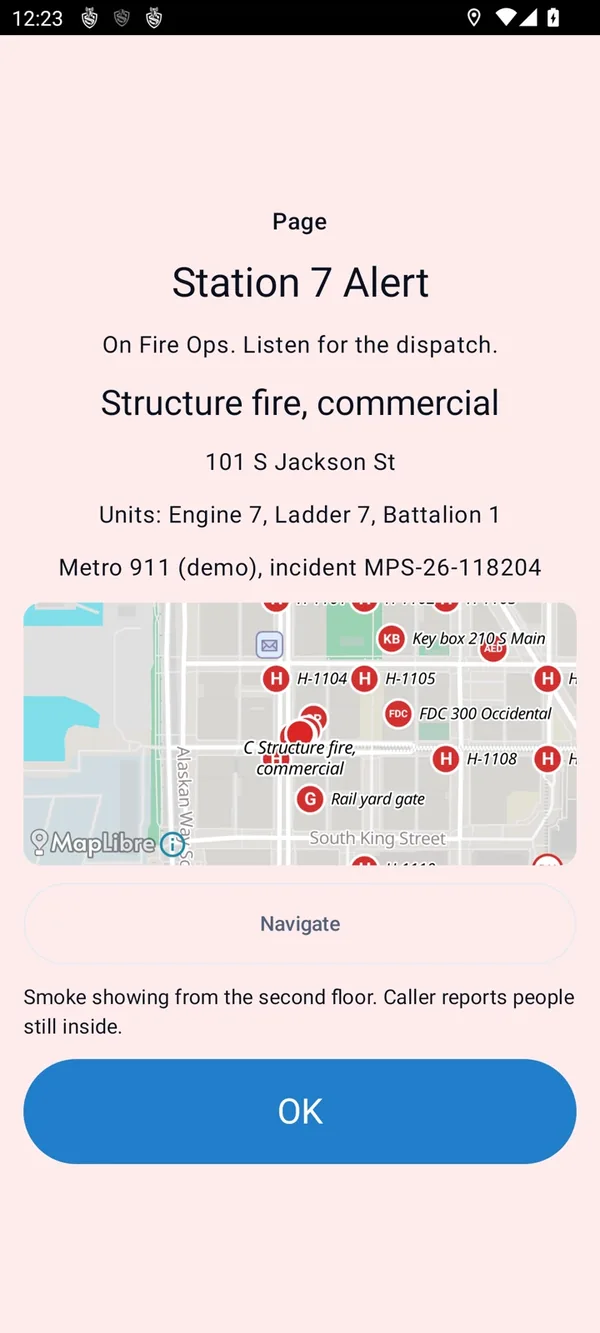
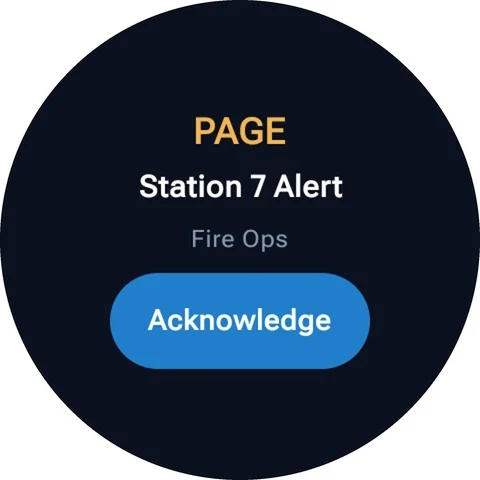
- Pages on the wrist
- A tone page arrives with its text and a button that tells dispatch you have seen it.
- Heart rate and heat
- With the wearer's consent, heart rate, falls and activity go to dispatch, and a heat strain alert tells the wearer to rest.
Made for a weak signal and a small data plan
Voice has to get through at the edge of coverage, on whatever network is there.
- Adaptive voice
- The talker adjusts error correction and bitrate to what its listeners are losing.
- Roaming without a gap
- Moving between Wi-Fi and cellular, the new connection is made while the old one still carries the call.
- Store and forward
- With no server in reach, the device records what you said and sends it when it reconnects, marked as delayed.
- Data kept low
- Video, files, map tiles, feeds and updates each have a Wi-Fi only switch, enforced on the device and the server.
- Server failover
- Each device carries an ordered list of servers and moves to the next one in seconds.
- Your radio system too
- P25 and DMR gateways put radio users on the same call, with talker ID, emergency and location carried across.
Try MCX Mobile on your own radios
Bring the devices you use today. We will put them on a channel together in a 30 minute demo.